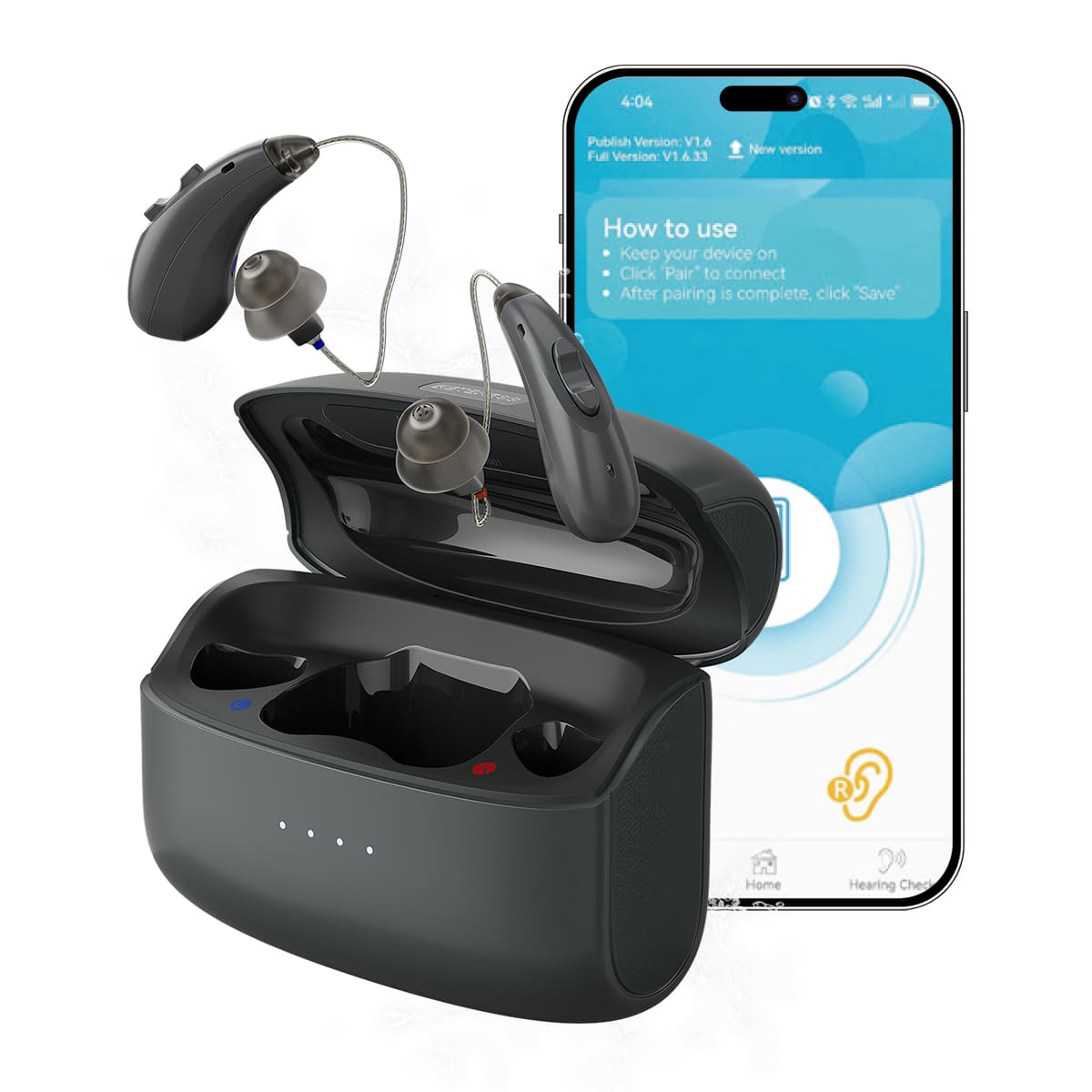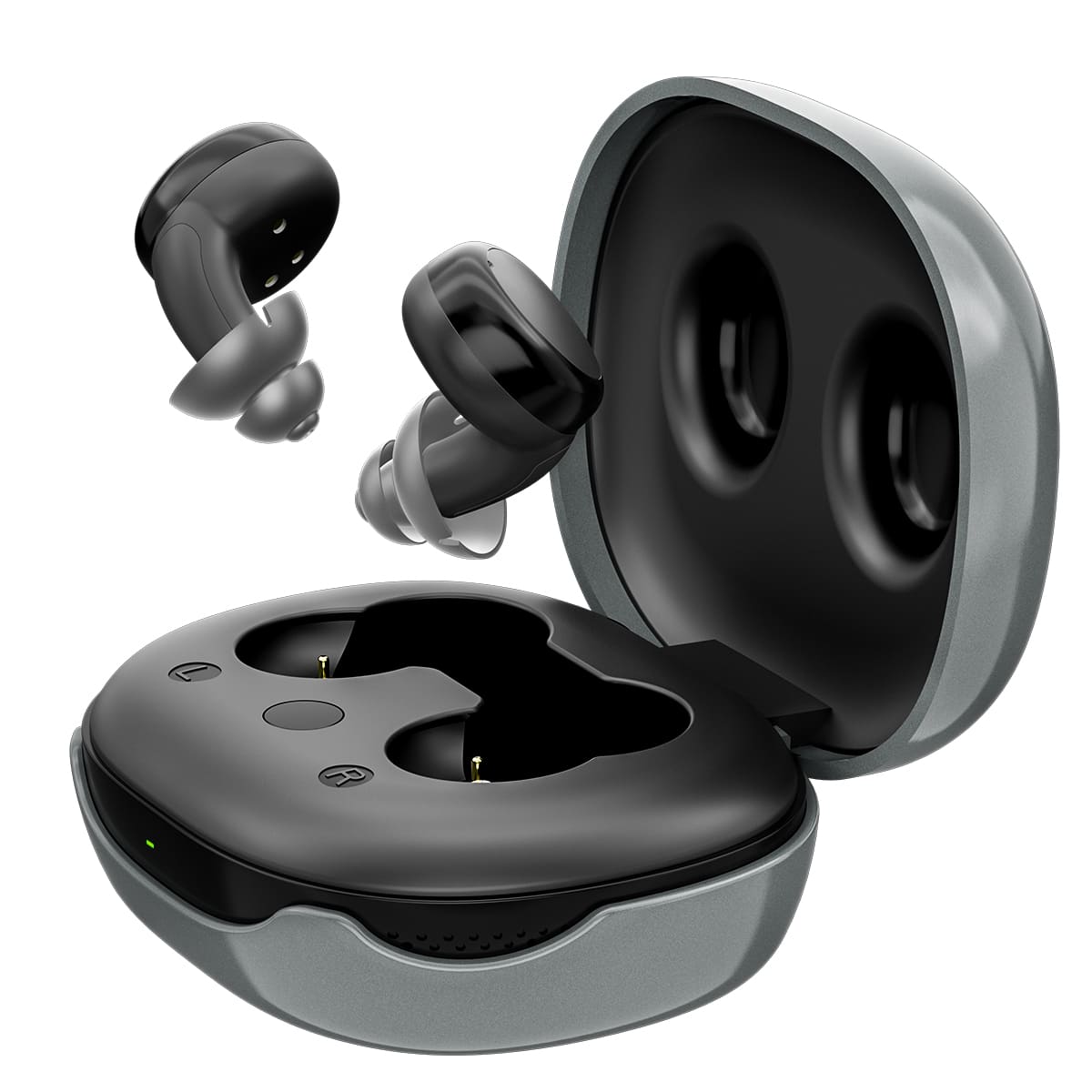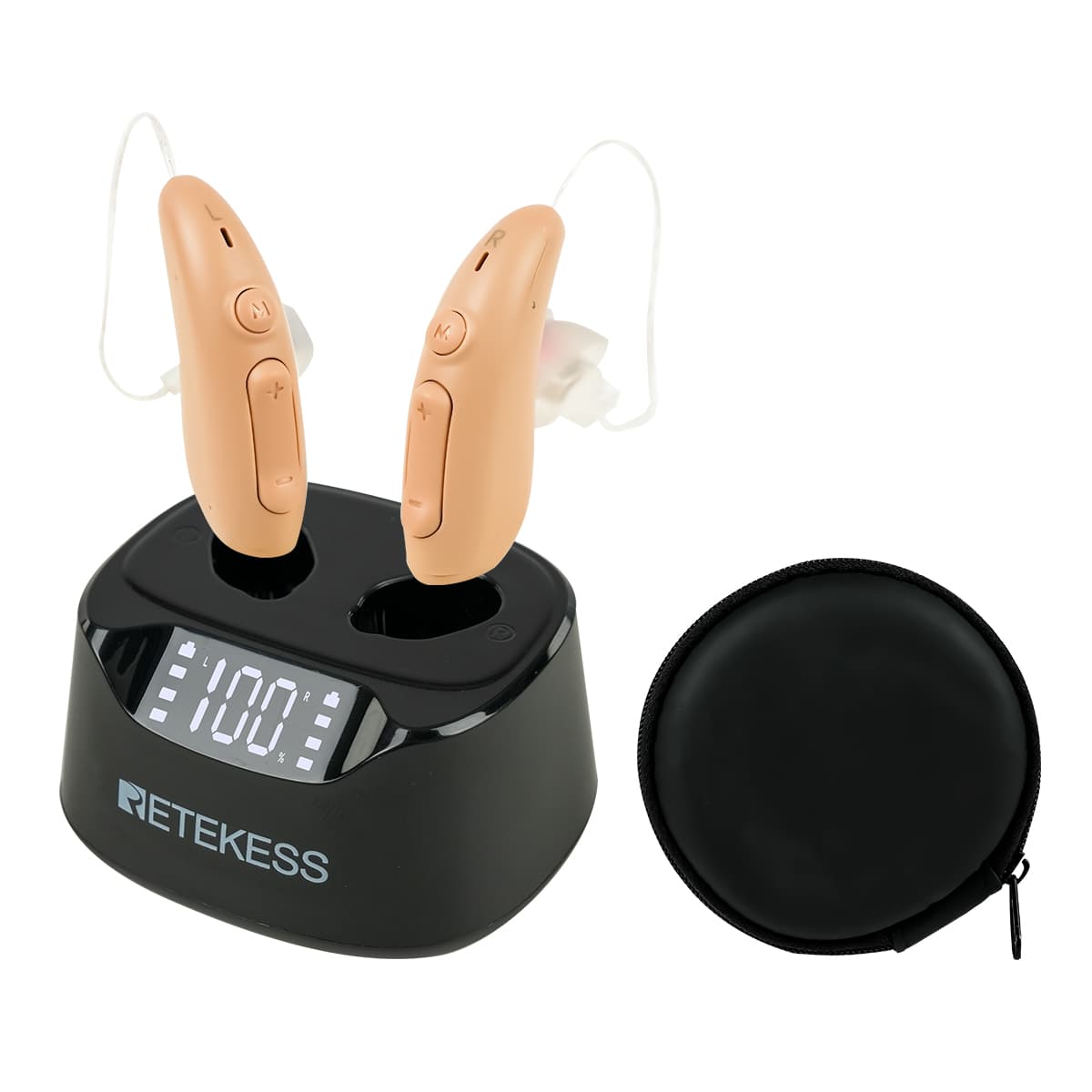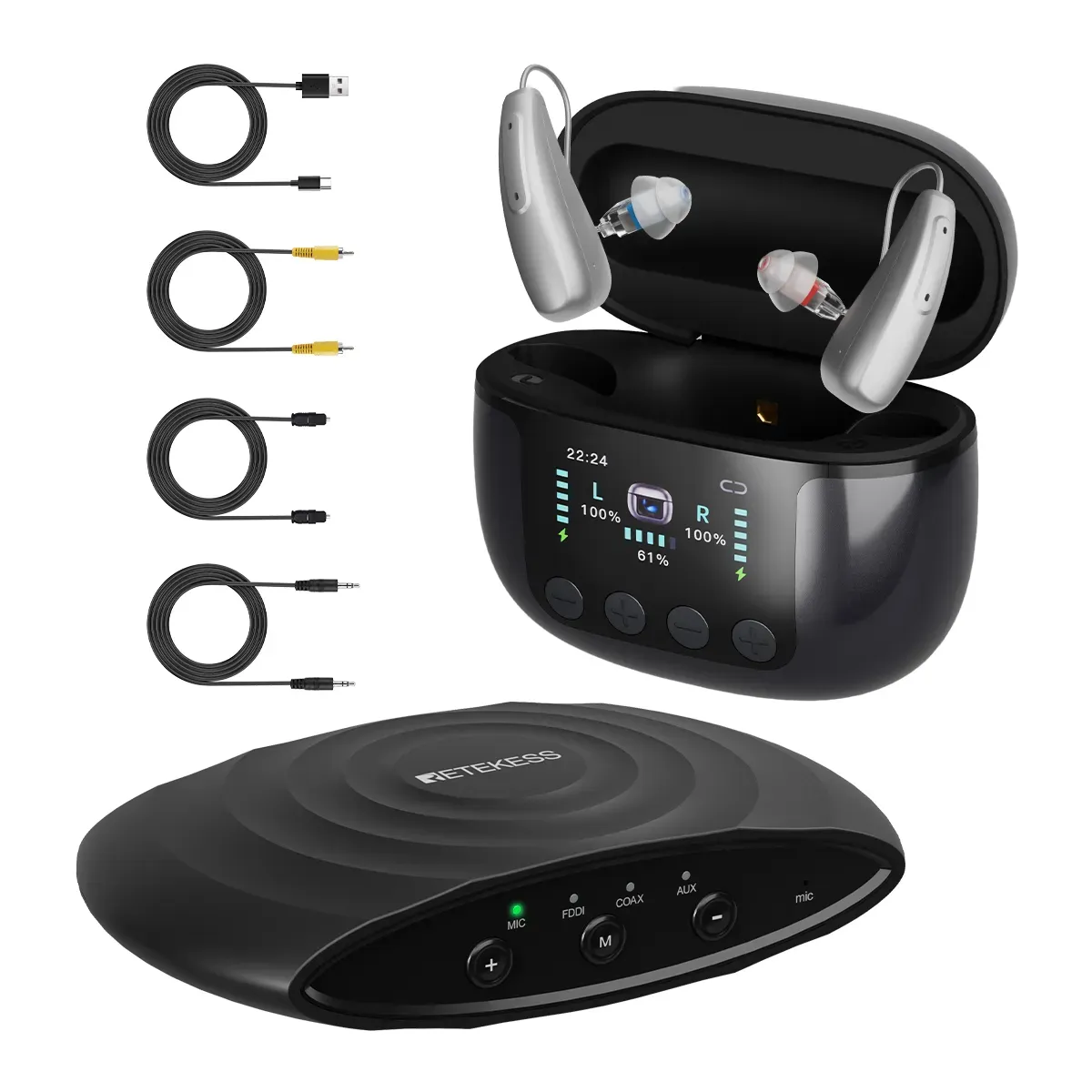


TFT Smart Digital Display
Bluetooth Function
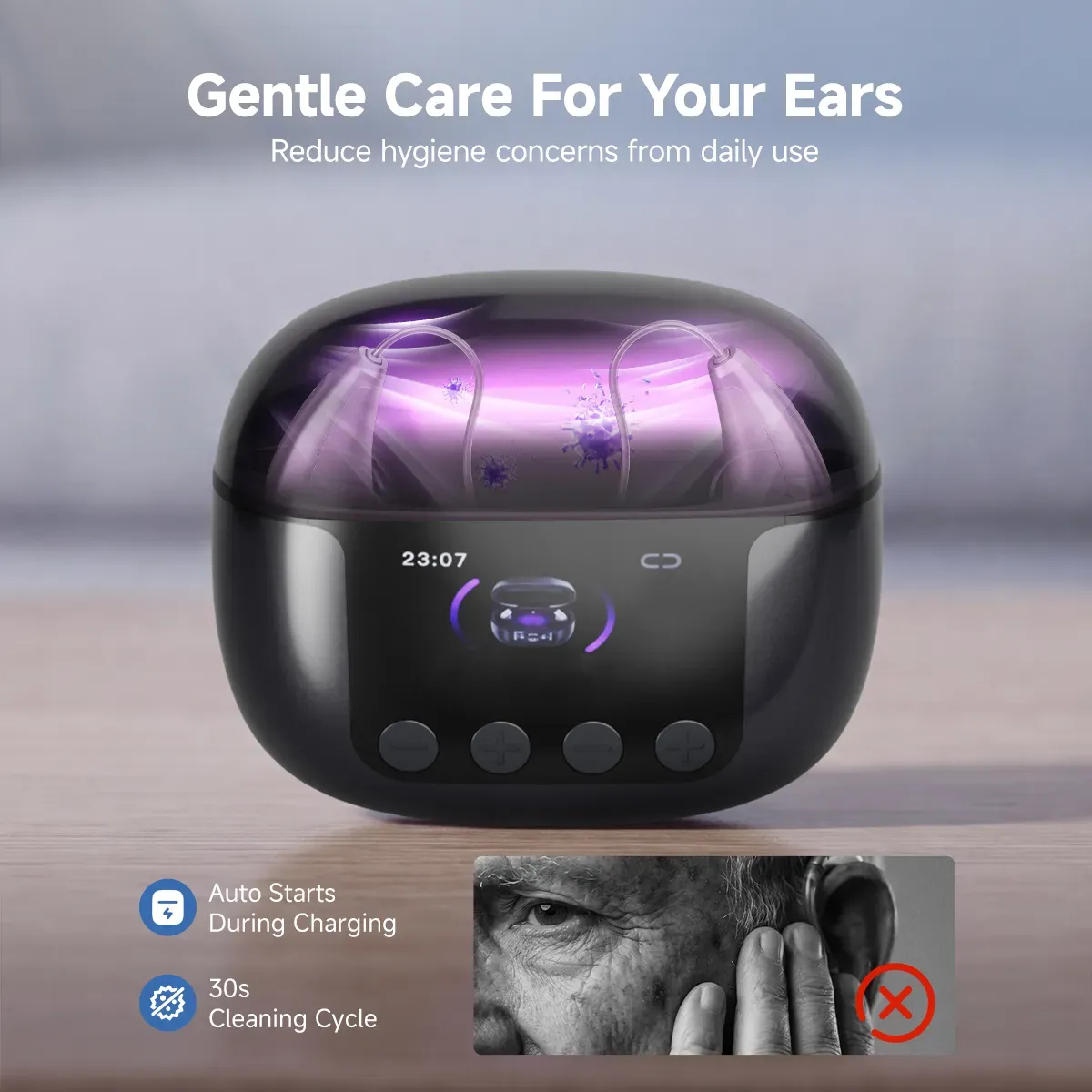
UV Disinfection
50-Channel WDRC
Mild to Moderate Hearing Loss
Quantity
Choose Your Set
- Order Status: Available
- SKU: F9688AX1
- Category: Hearing Aids
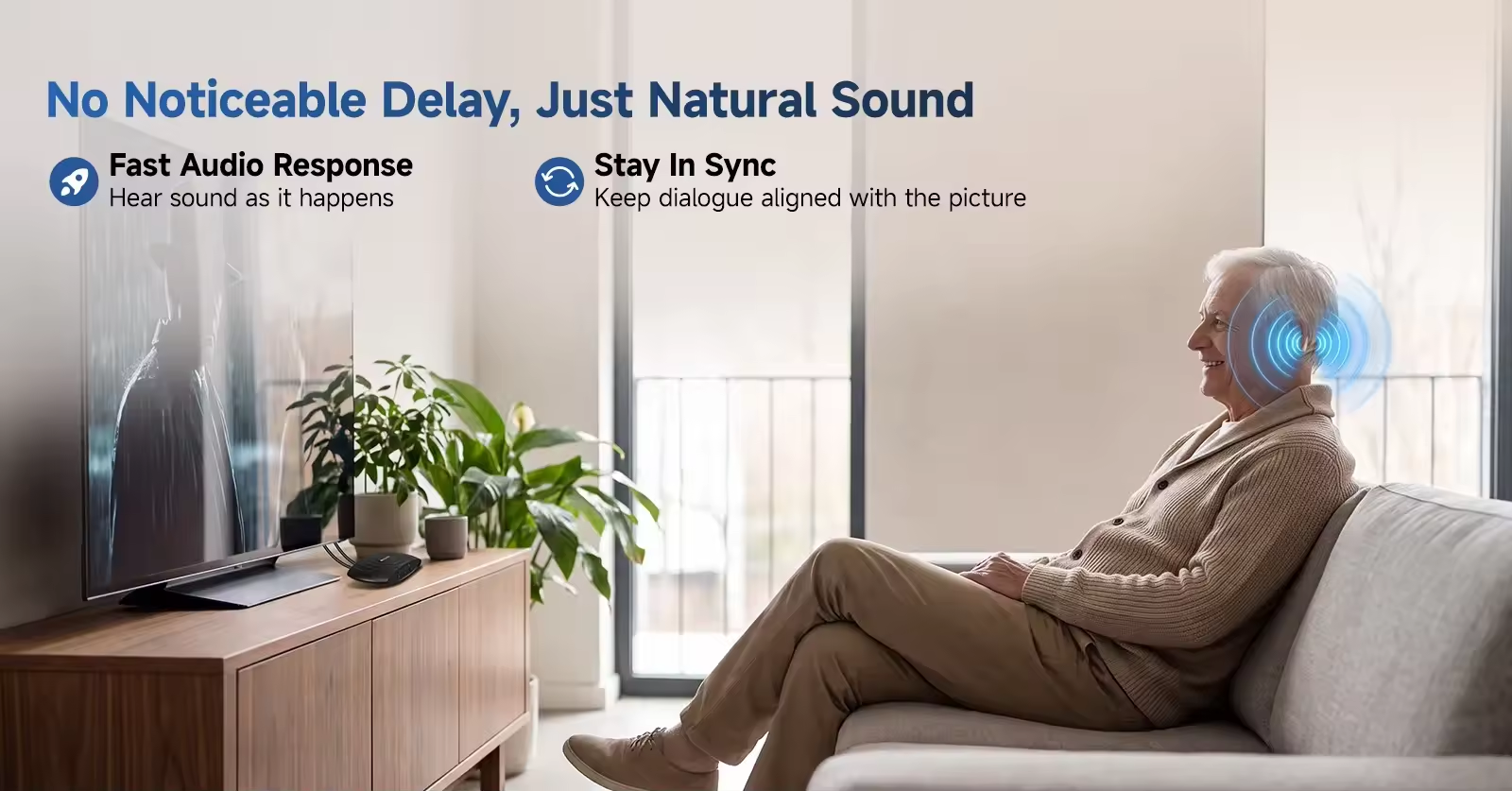
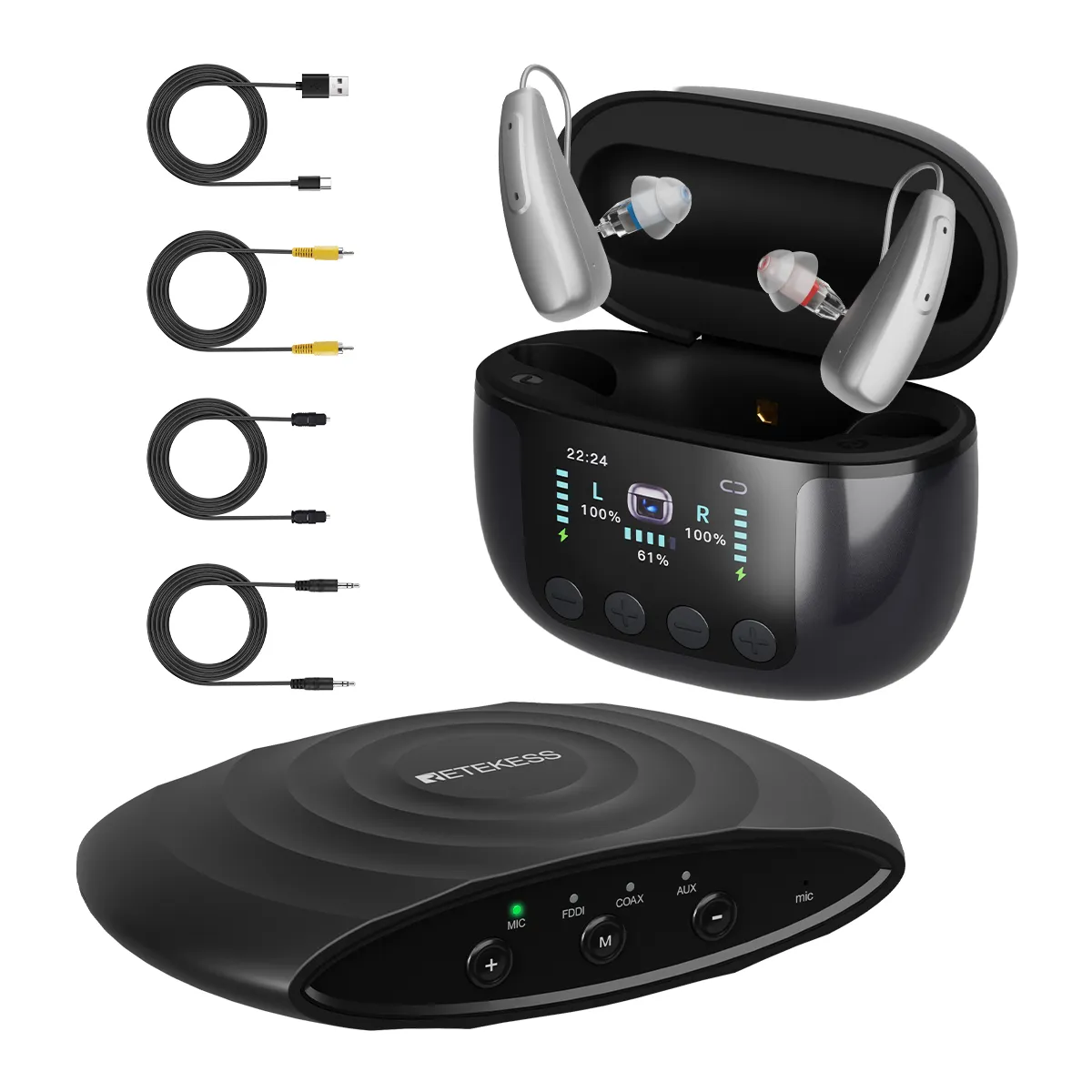
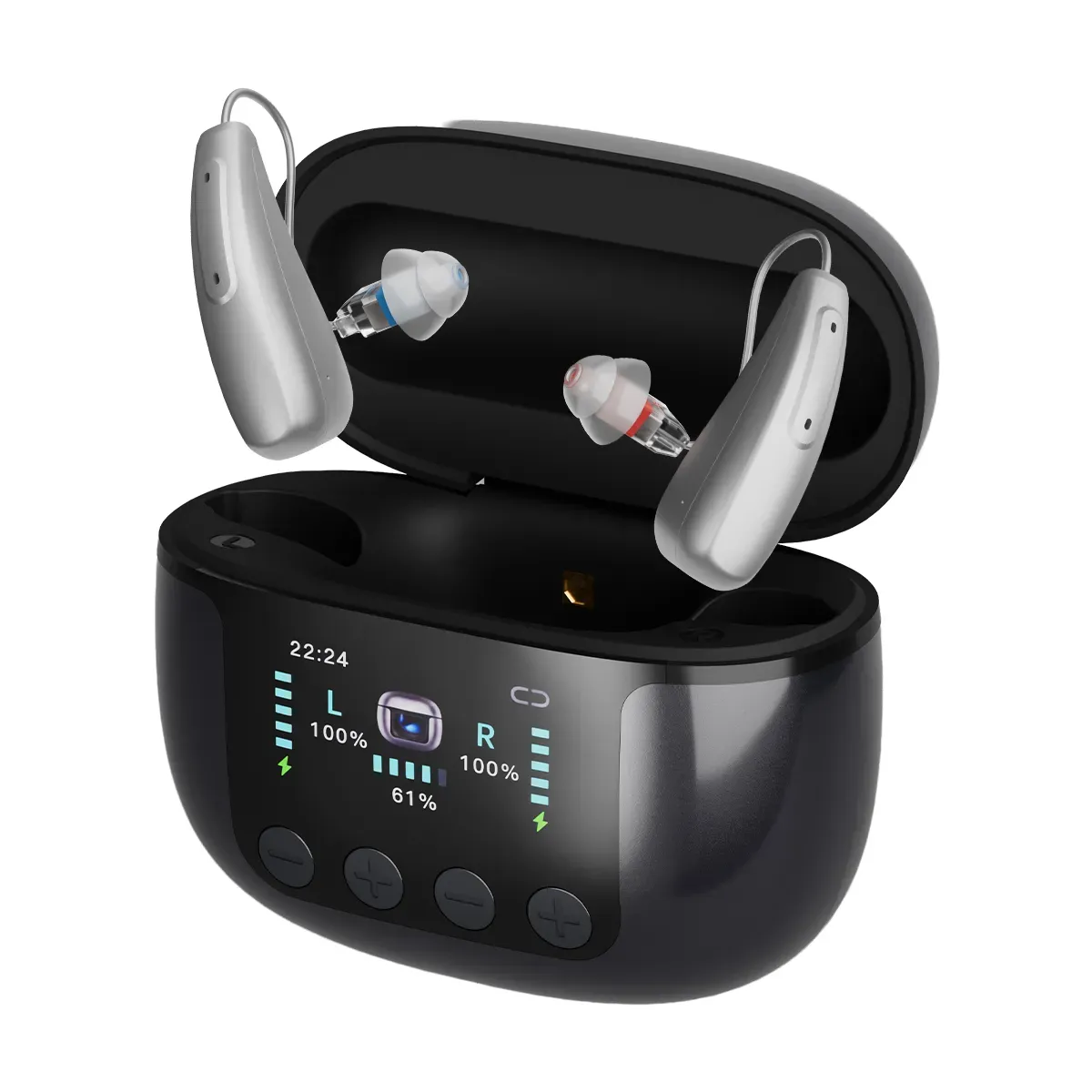
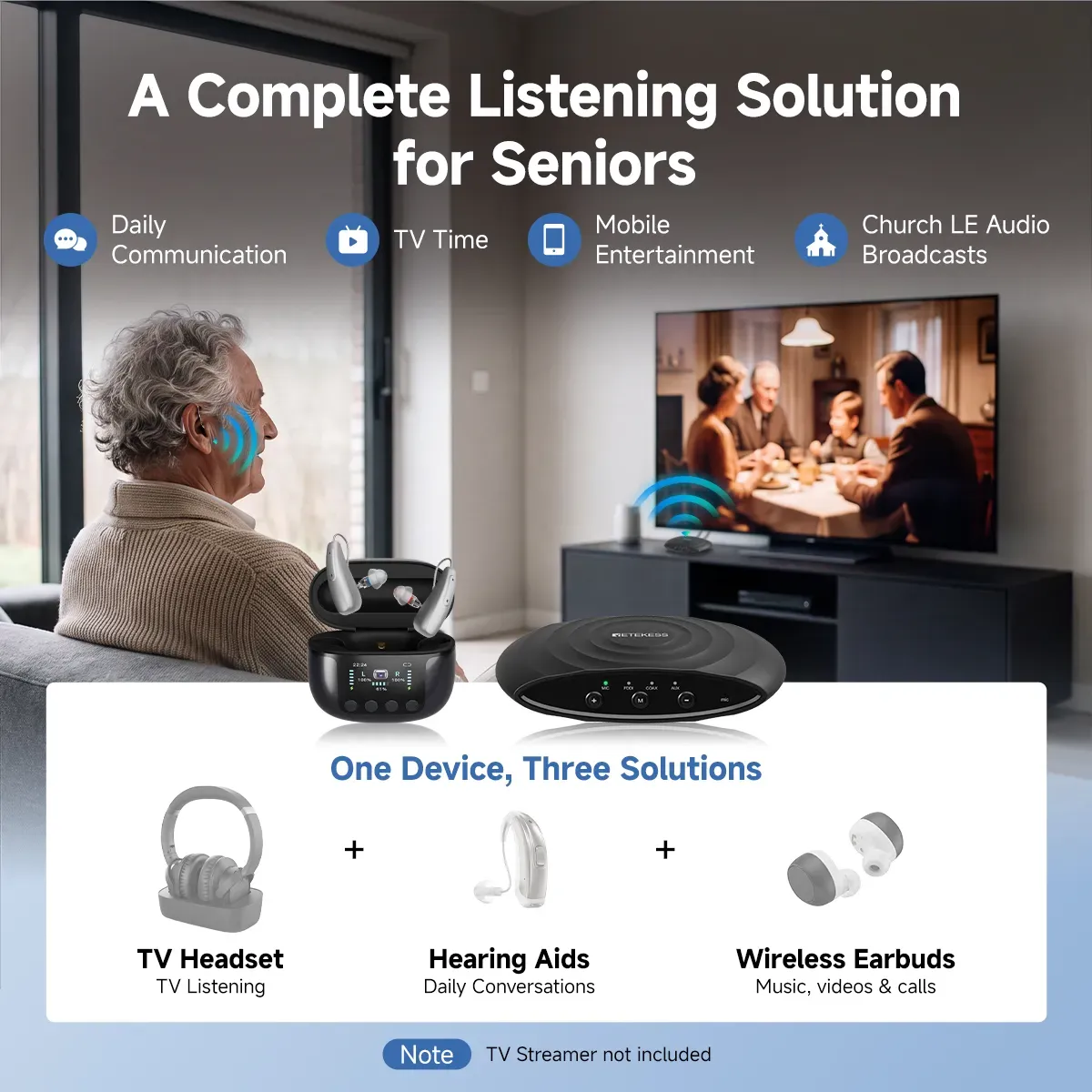
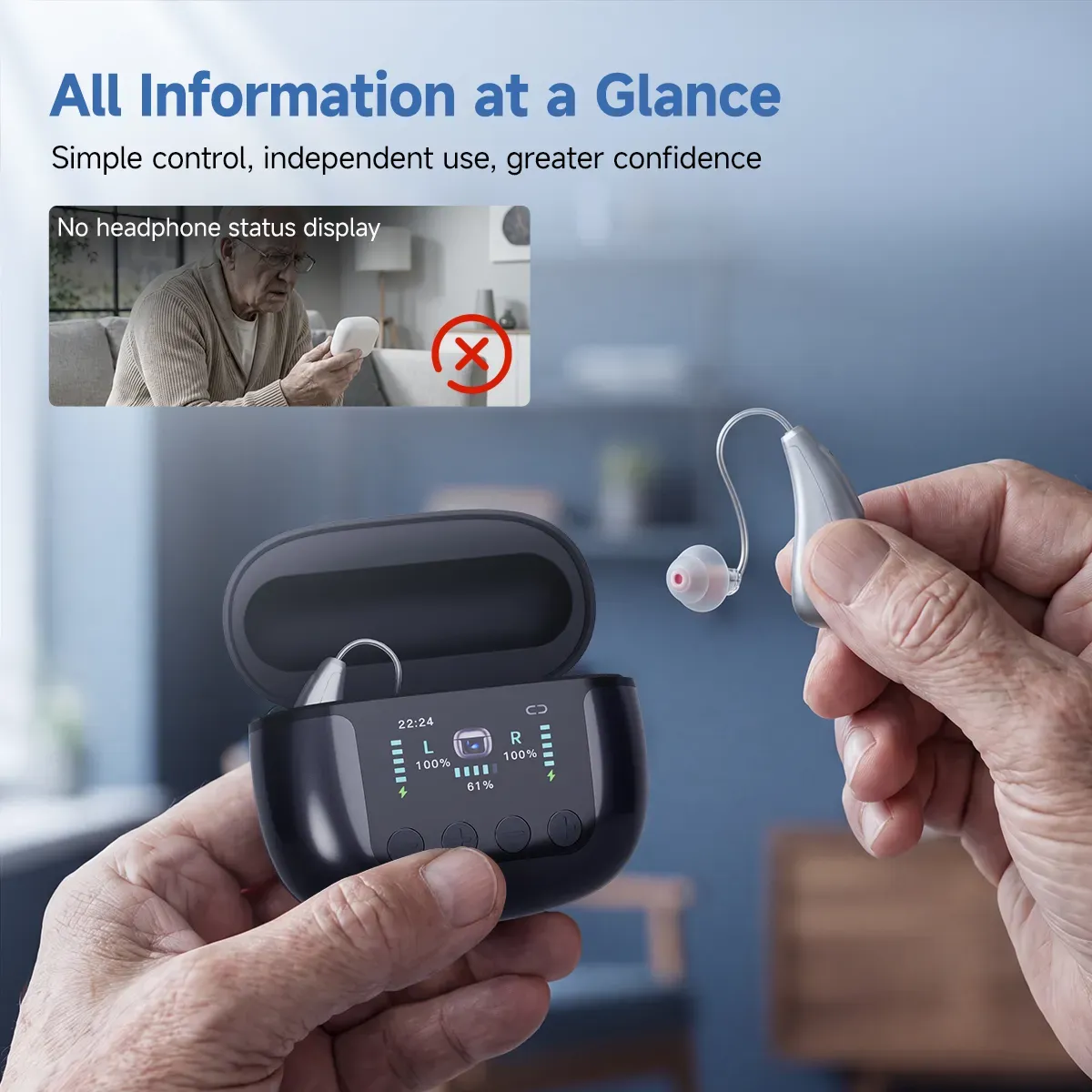
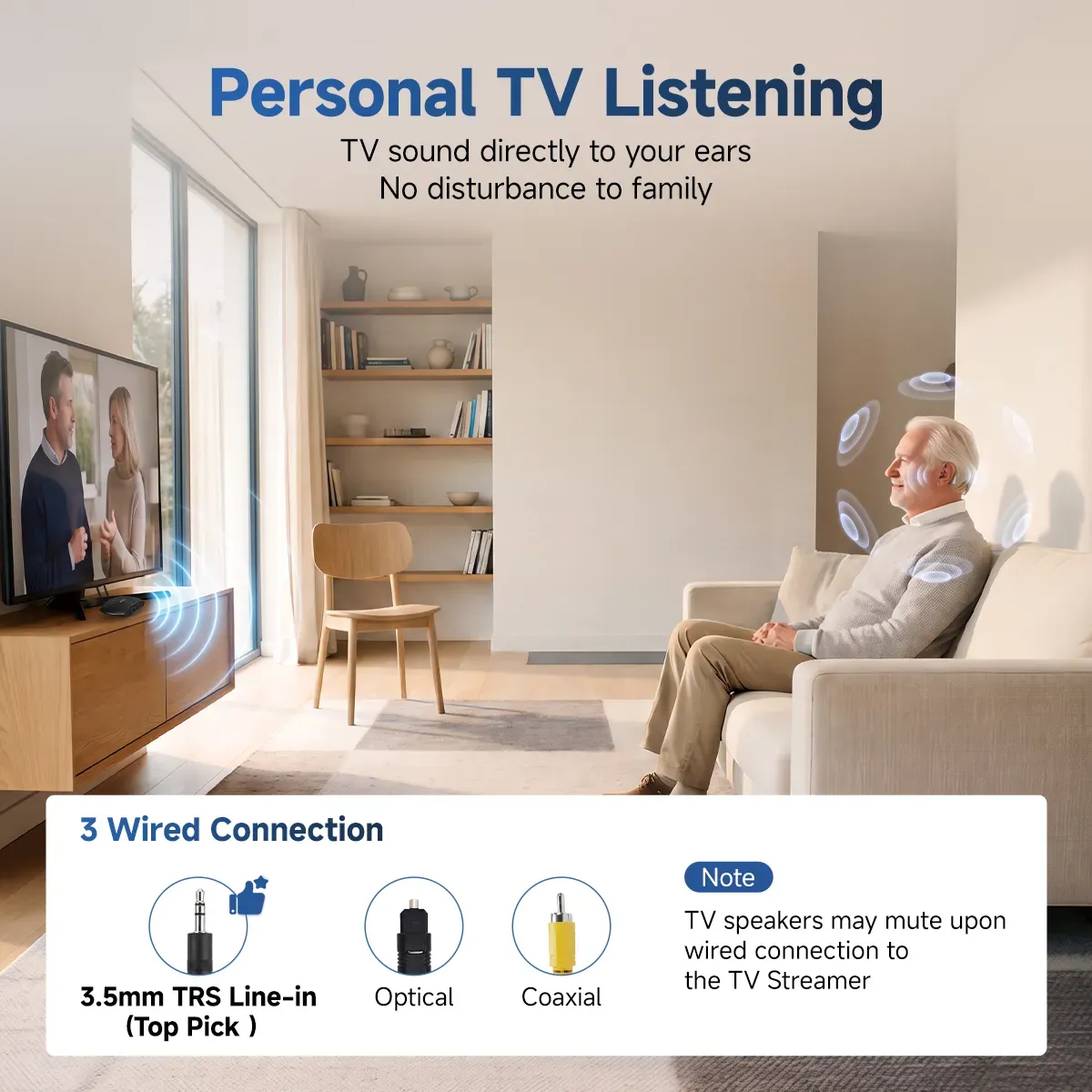
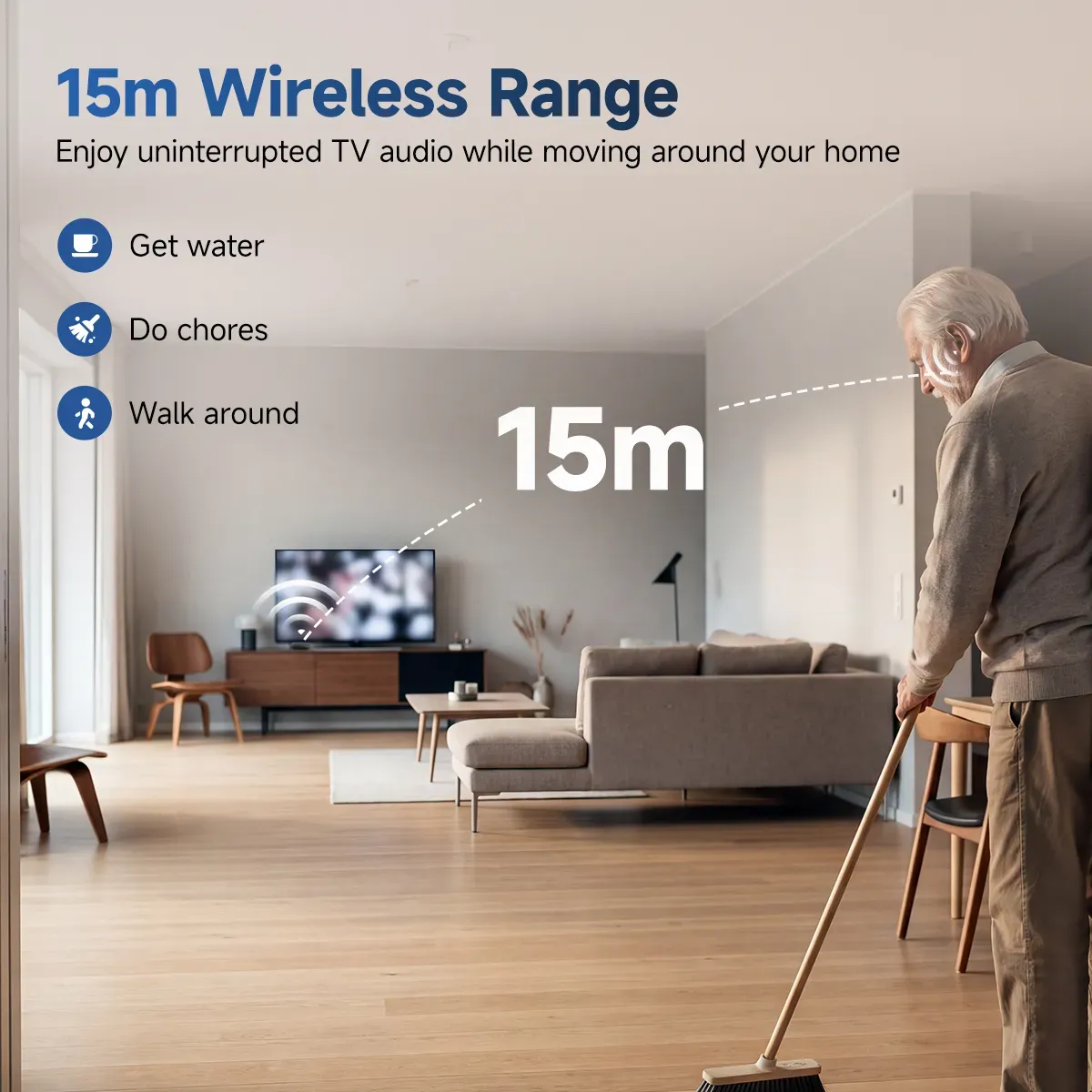
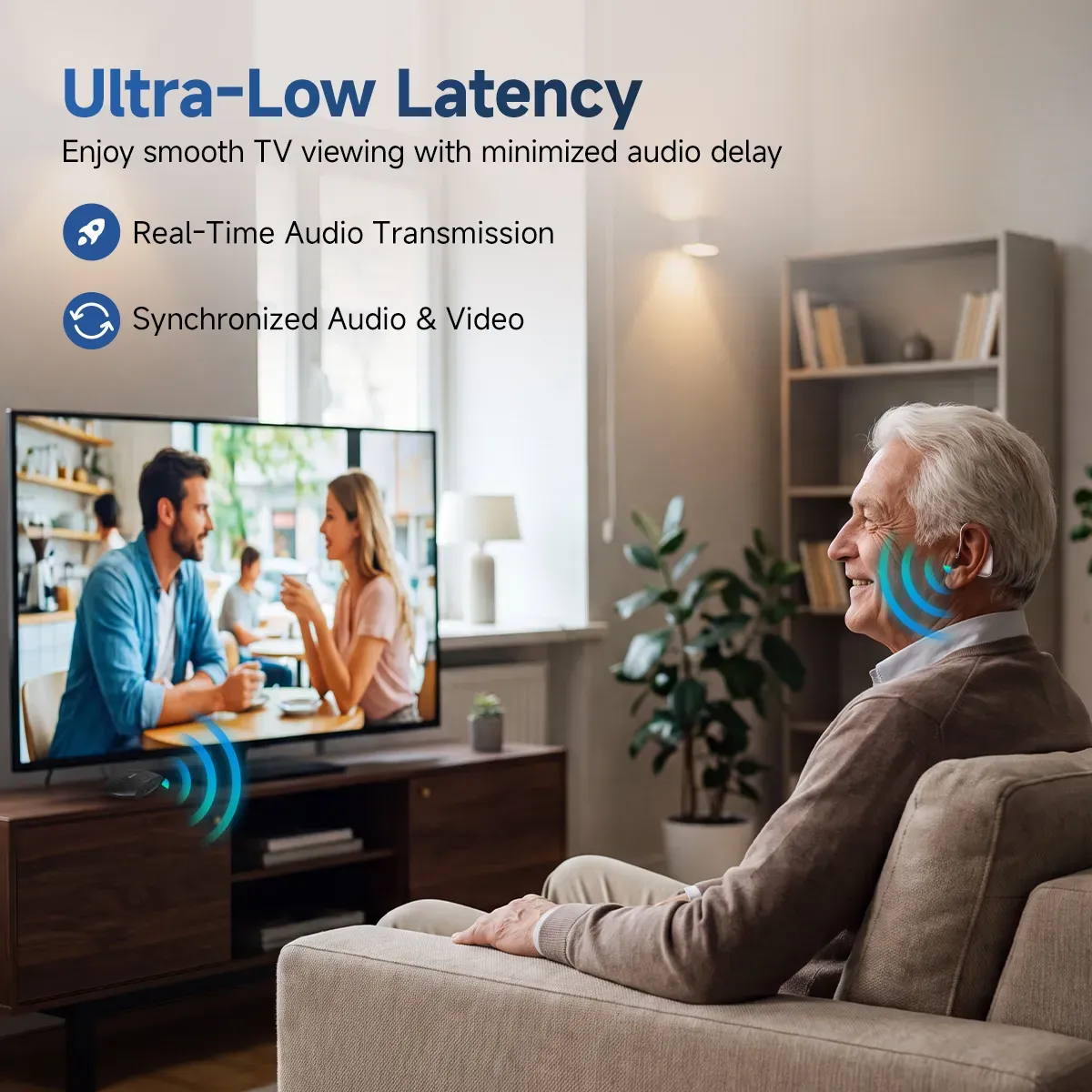
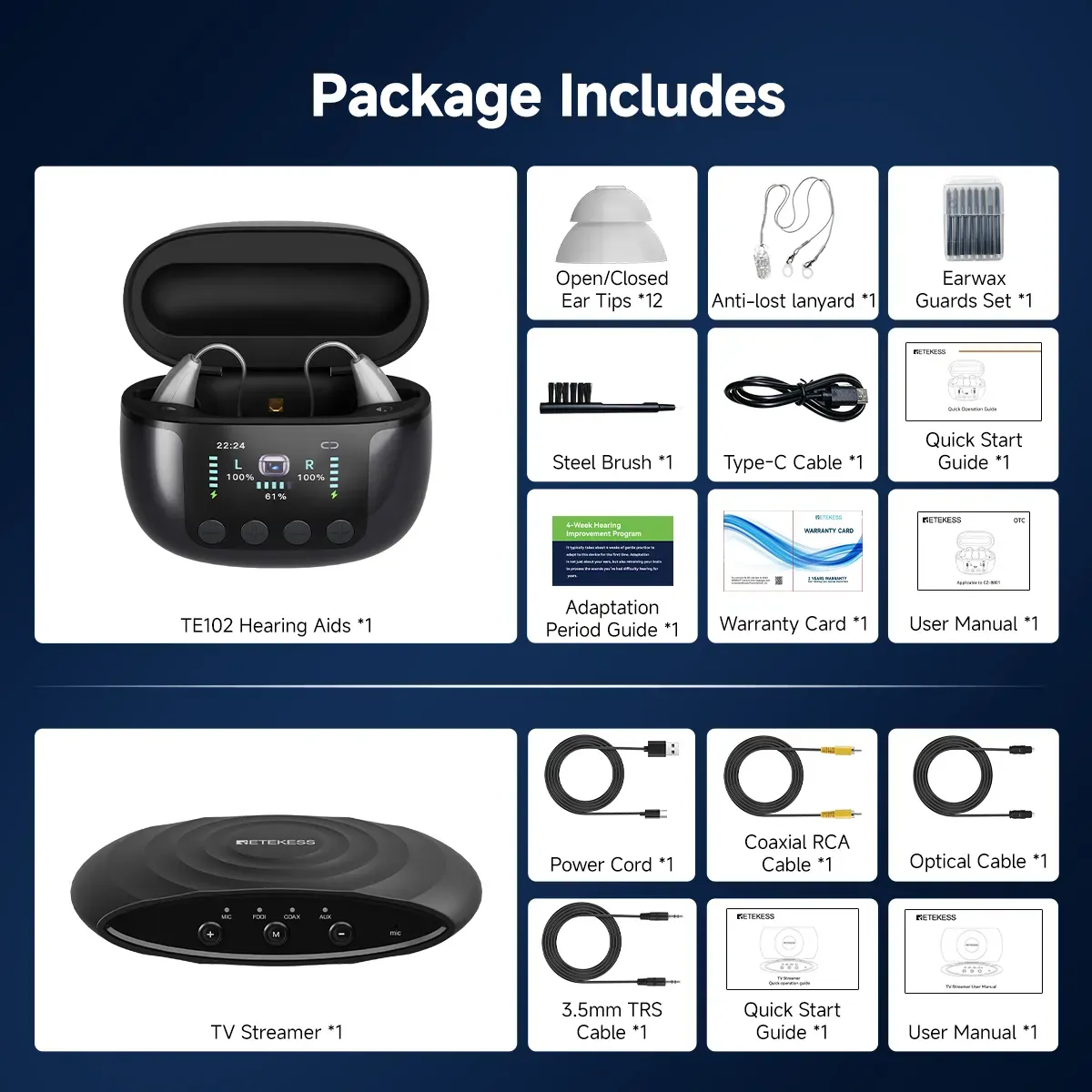
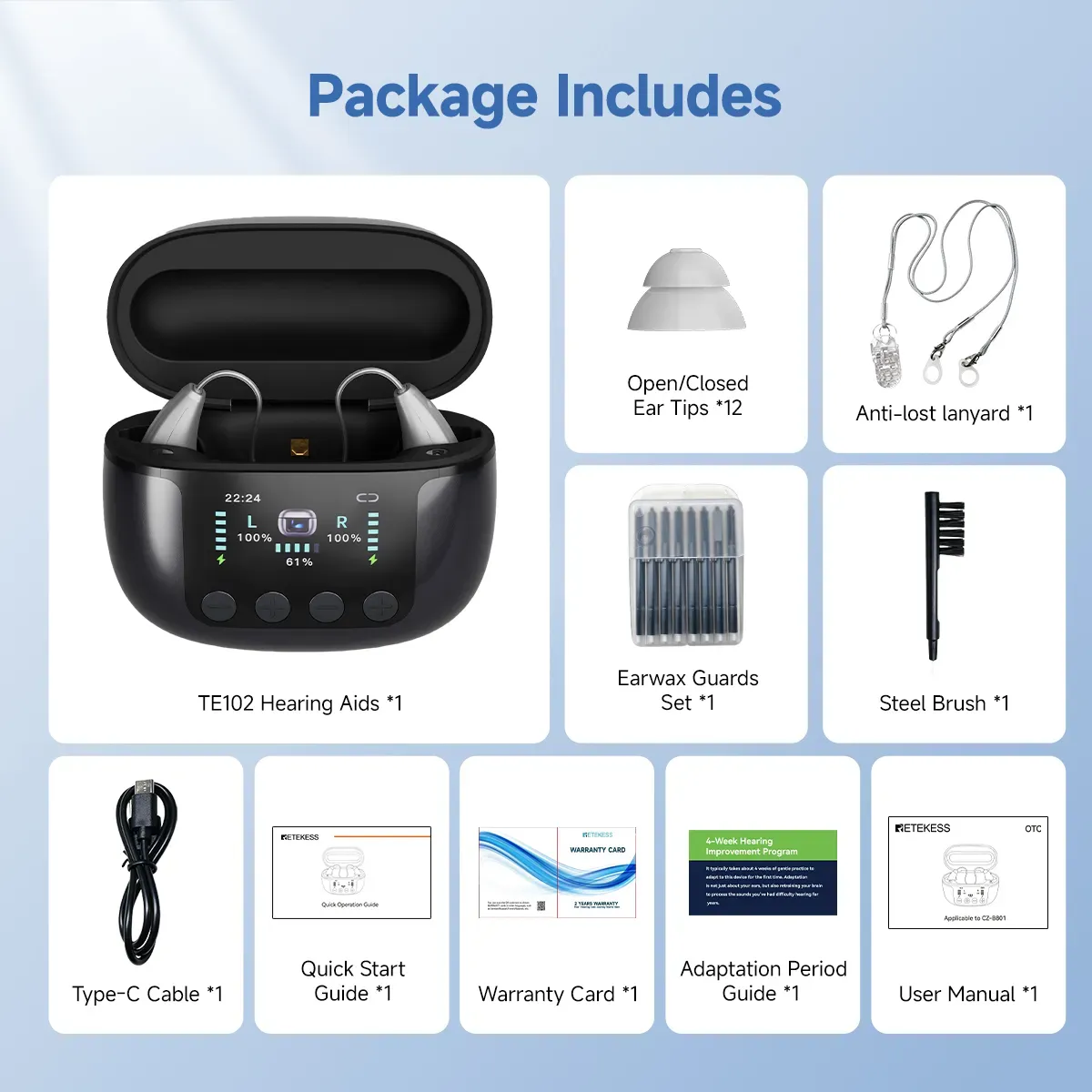
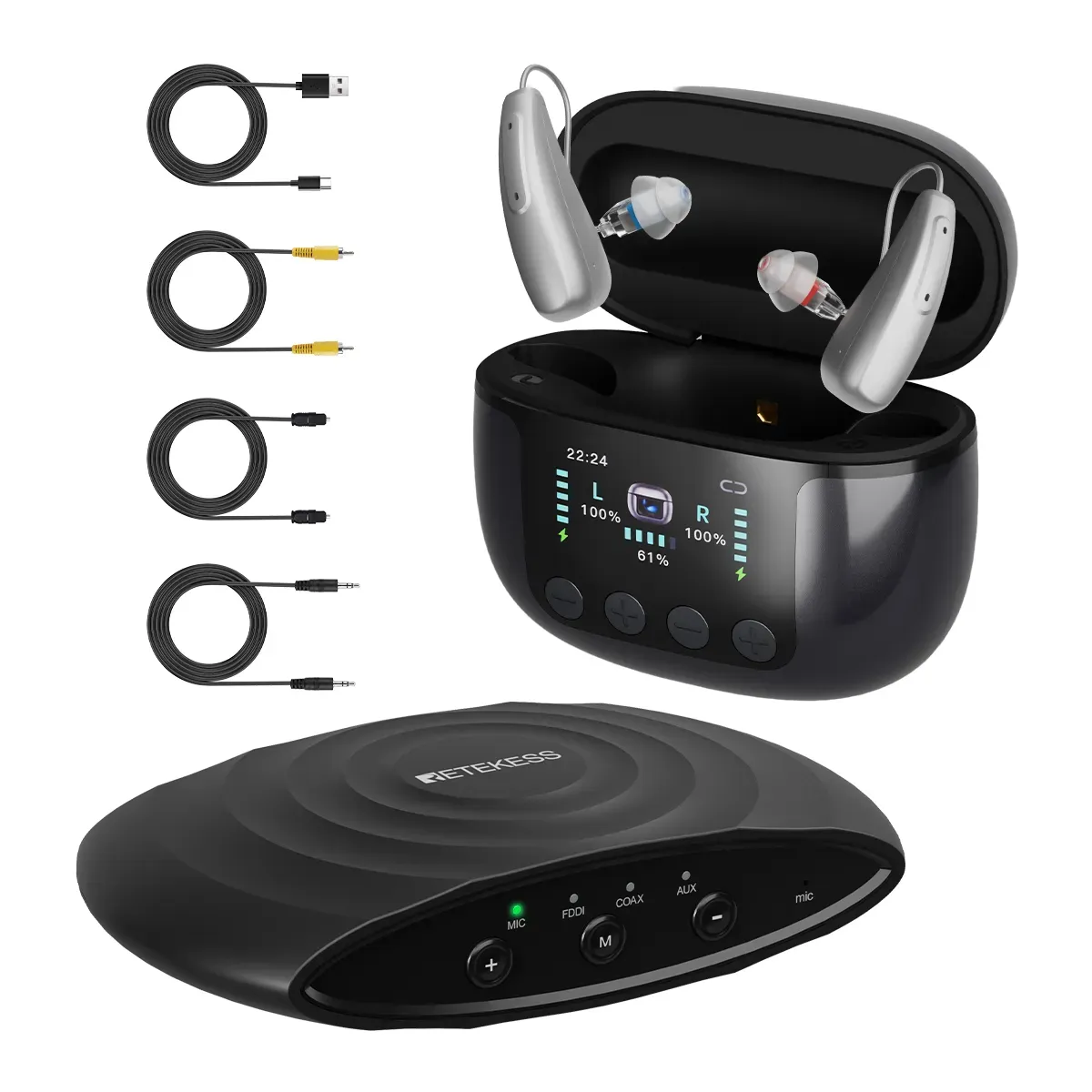
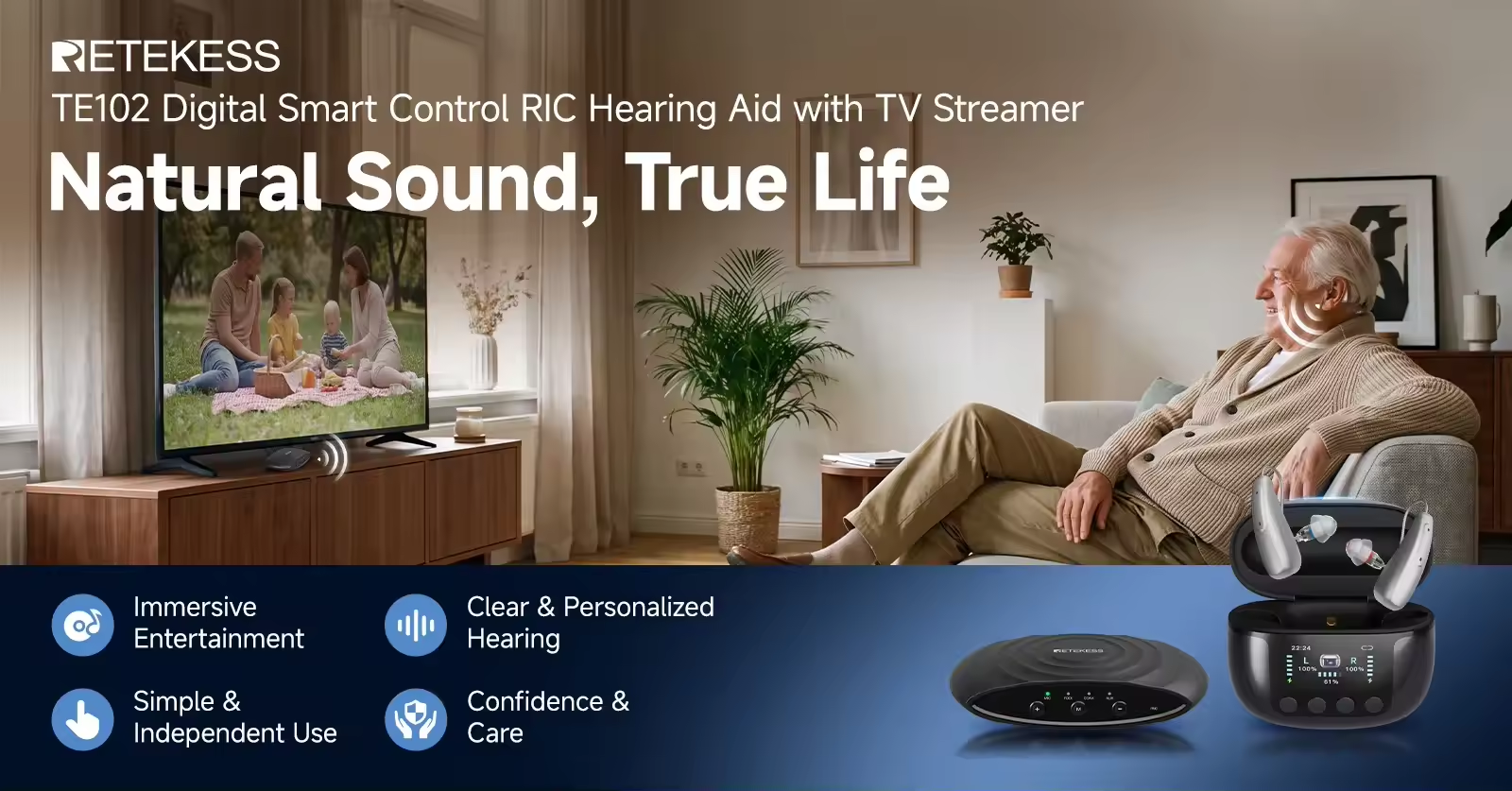
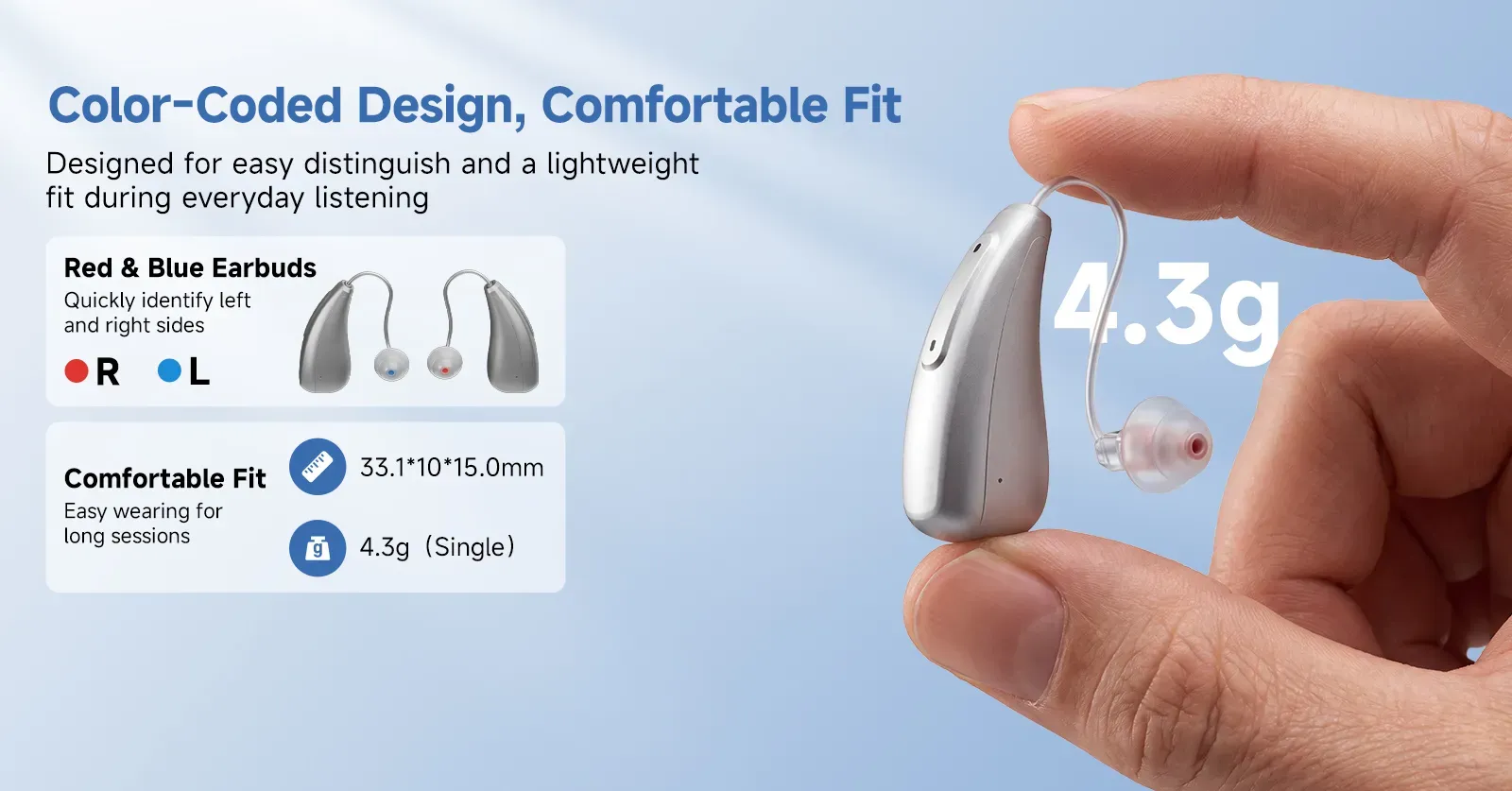
The TE102 is an over-the-counter (OTC) hearing aid featuring a Receiver-in-Canal (RIC) design. Certified by the FCC and FDA, each unit weighs approximately 4.3g. It comes with a smart charging case—featuring a digital display and UV disinfection capabilities—and a dedicated TV companion, making wearing, adjusting, charging, and watching TV intuitive and convenient. The dedicated TV companion transmits audio to the hearing aids via low-latency wireless technology, with an open-field range of up to 15 meters.
With four modes, eight volume levels, Bluetooth support, and IP22 water resistance, the device offers a wide range of functions to suit diverse daily environments.
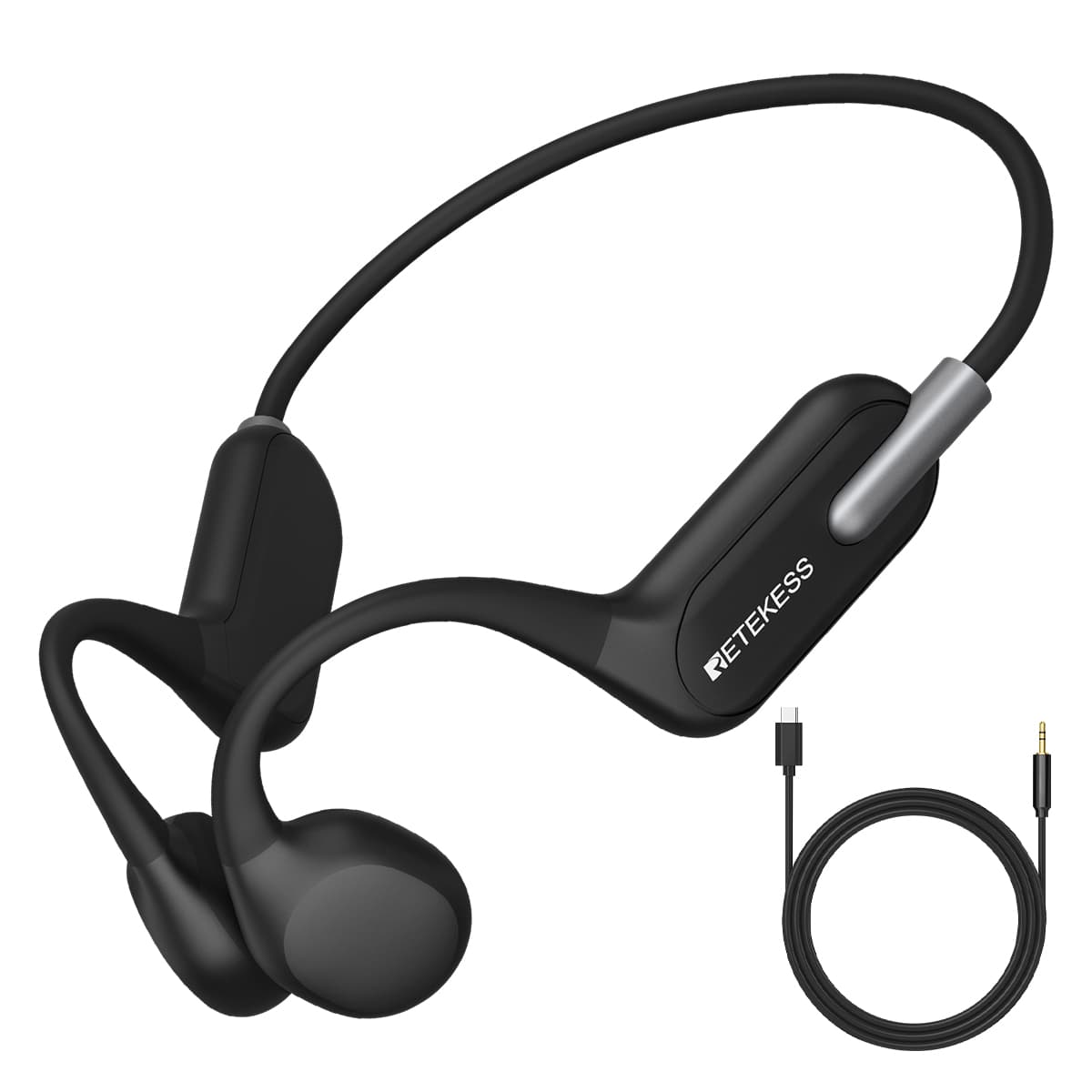
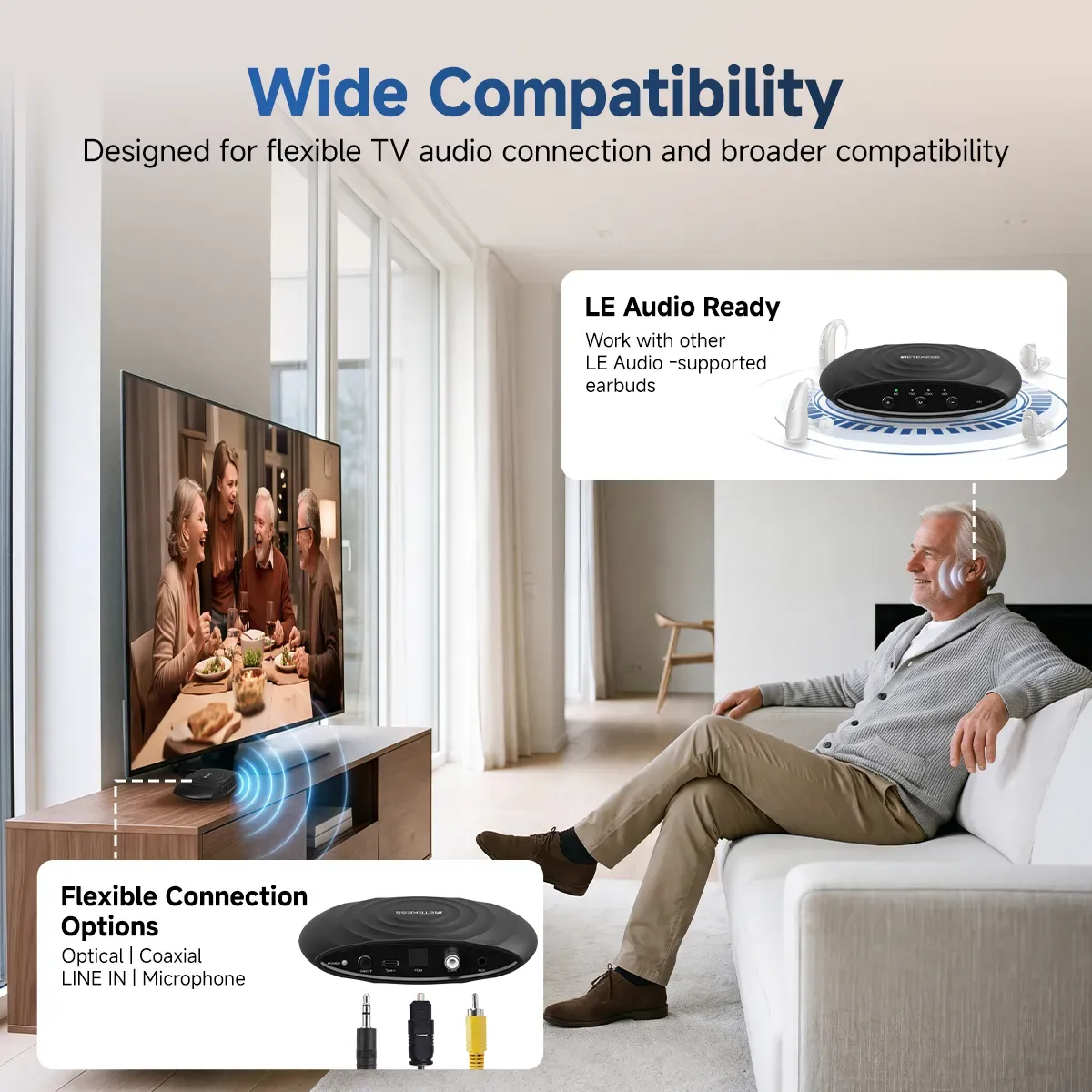
Note: The TV connector utilizes Auracast technology and is compatible with any headphones or hearing aids that feature Auracast reception capabilities.
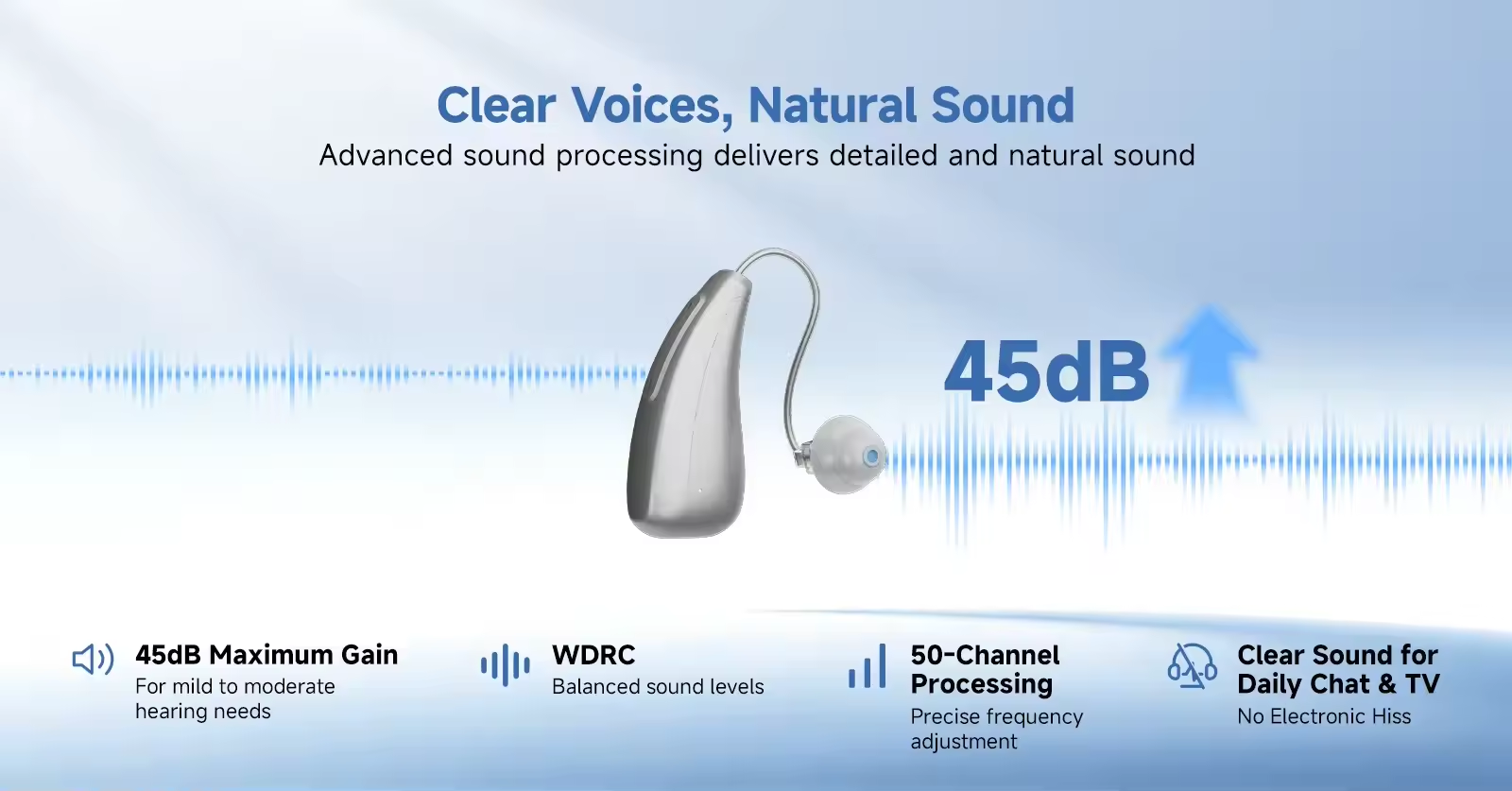
Multi-Channel Digital Chip
Equipped with a professional digital chip featuring 50-channel WDRC and 50 EQ channels, it precisely captures speech details and provides intelligent sound amplification tailored to the user's specific hearing loss profile. It utilizes a dual-microphone array with beamforming technology to intelligently focus on conversations while effectively suppressing ambient noise.
Smart Digital Display and Disinfection
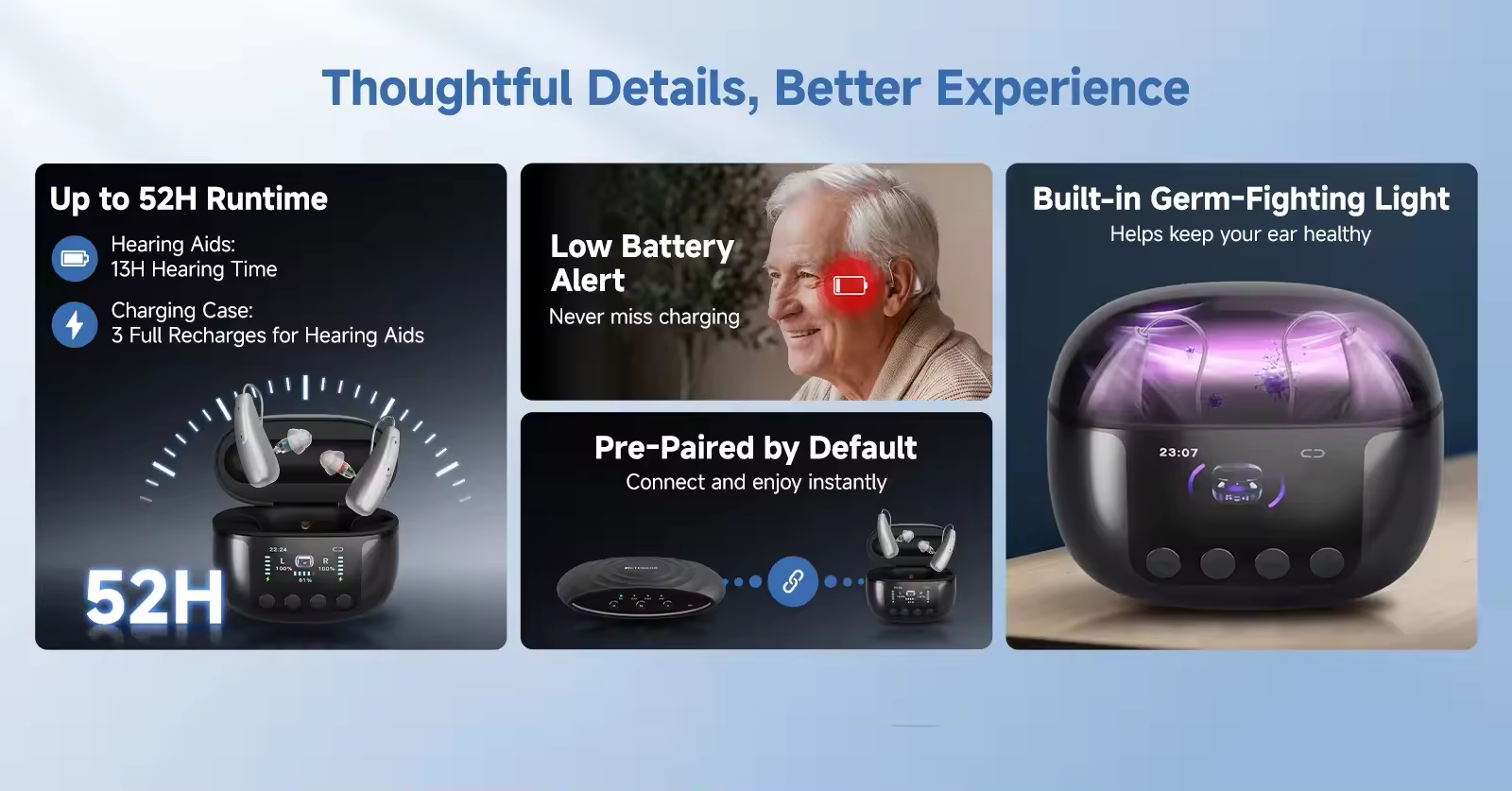
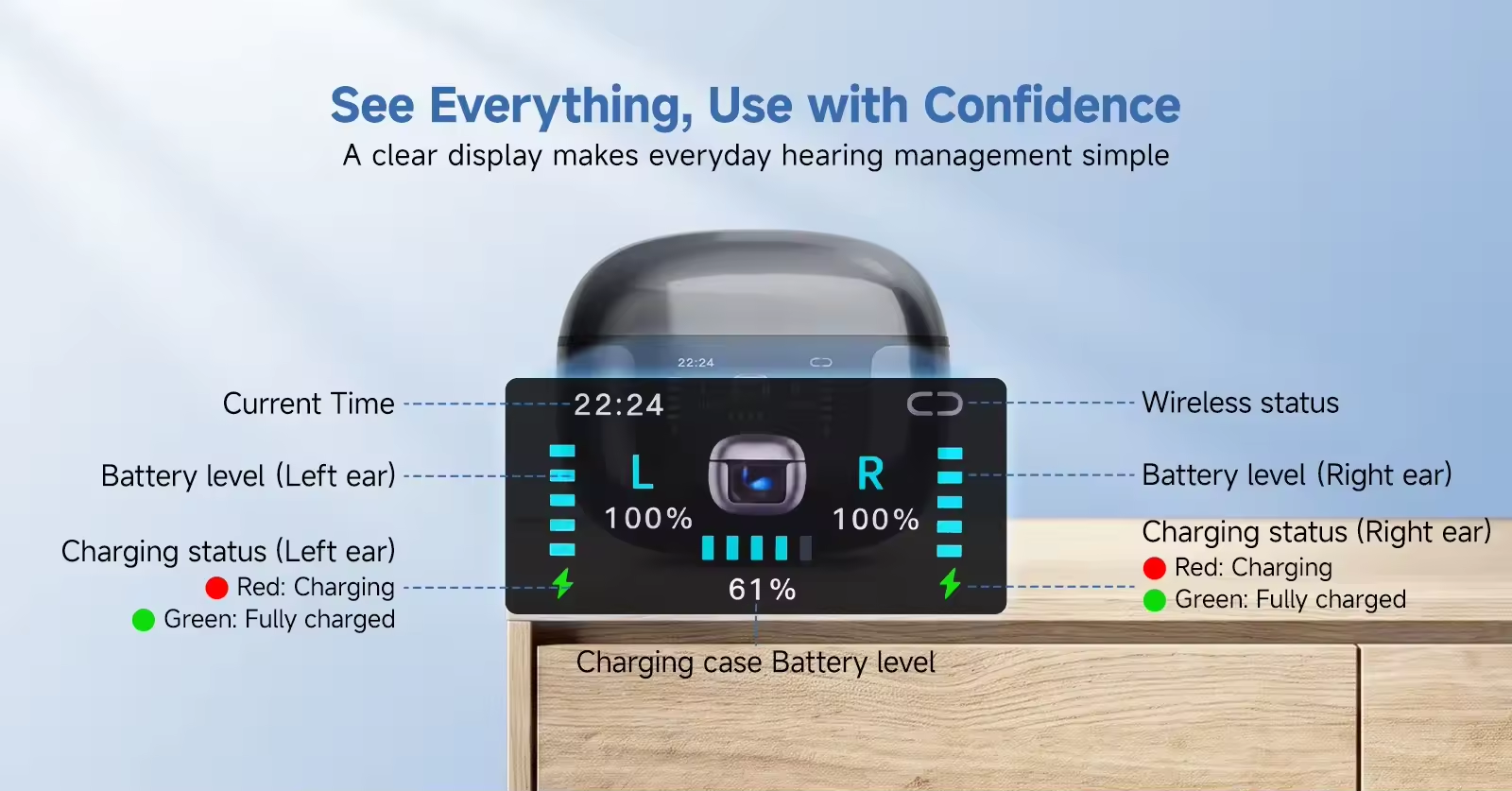
Equipped with a 1.47-inch TFT smart digital display, it provides clear, real-time information on volume levels, scene modes, battery status, low-battery alerts, and charging/disinfection progress.
The charging case features a UV disinfection function that activates automatically when the lid is closed, running a 30-second cycle. Using deep-UV light at specific wavelengths, it effectively eliminates common bacteria on the hearing aid surface, helping to maintain ear canal health. Note: Do not look directly at the disinfection light.
Battery Life
Charging takes 1–2 hours. A single charge provides 13 hours of use in hearing aid mode or 9 hours in Bluetooth mode; the charging case can recharge the hearing aids three times.
Versatile Adjustments
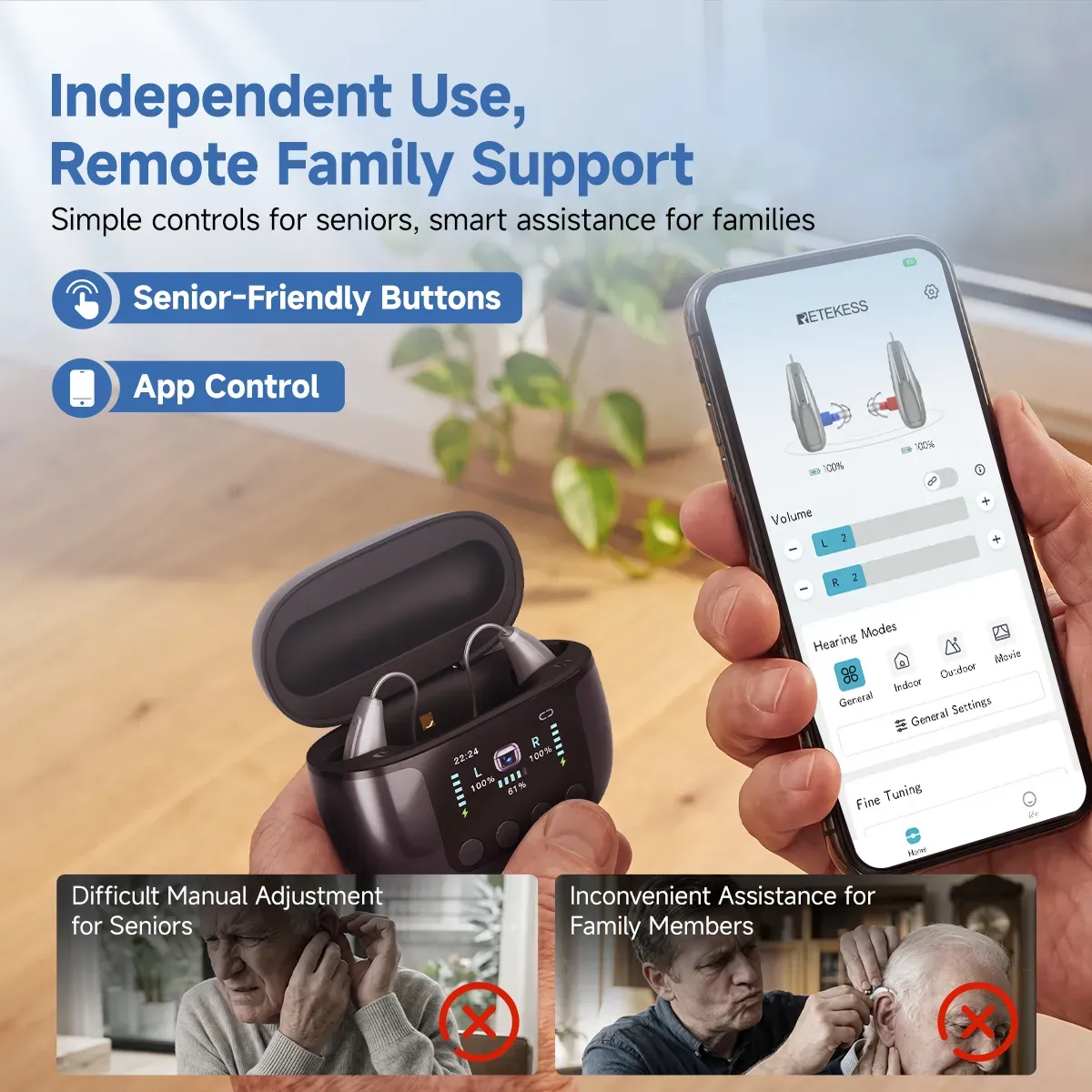
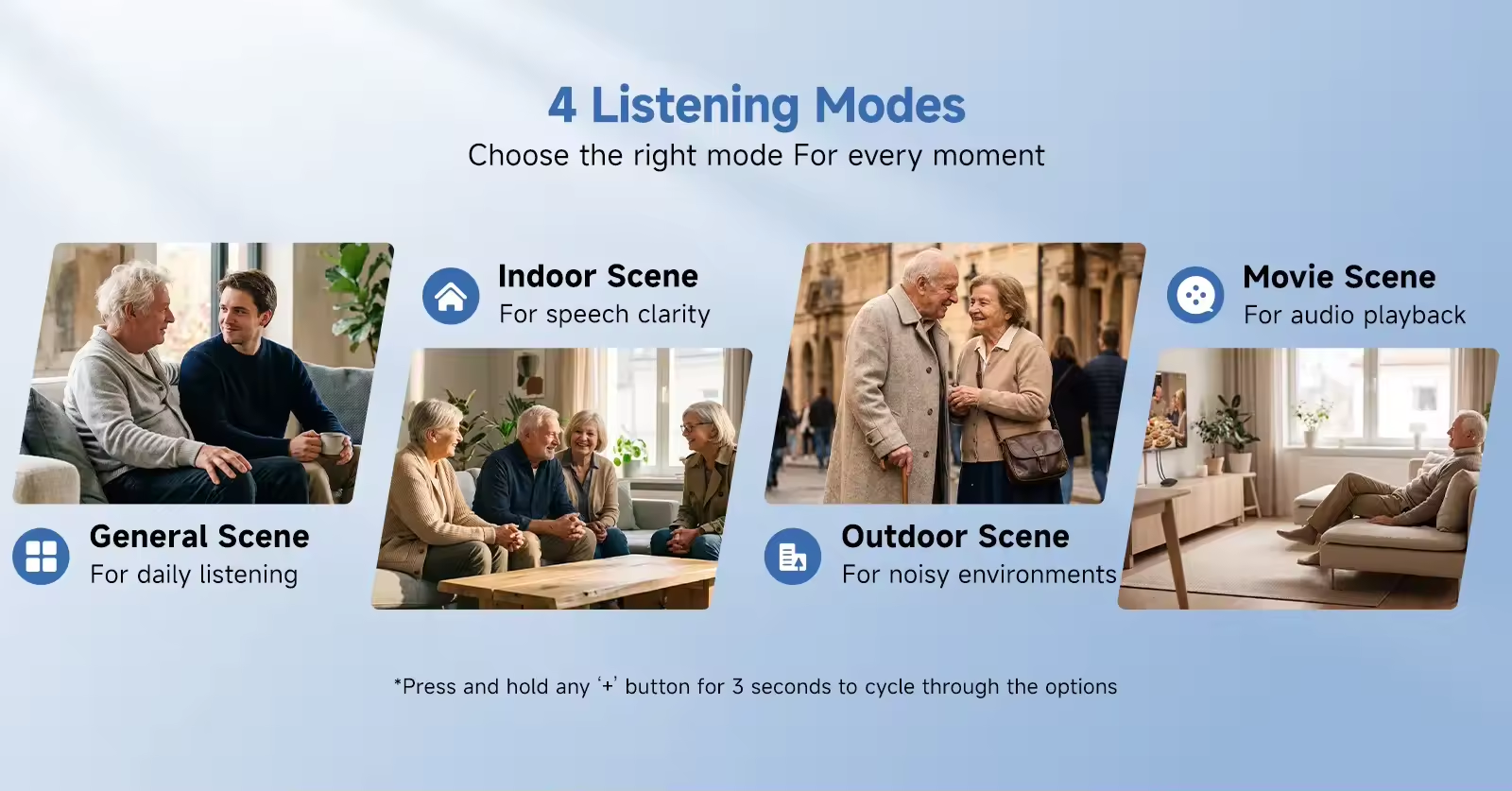
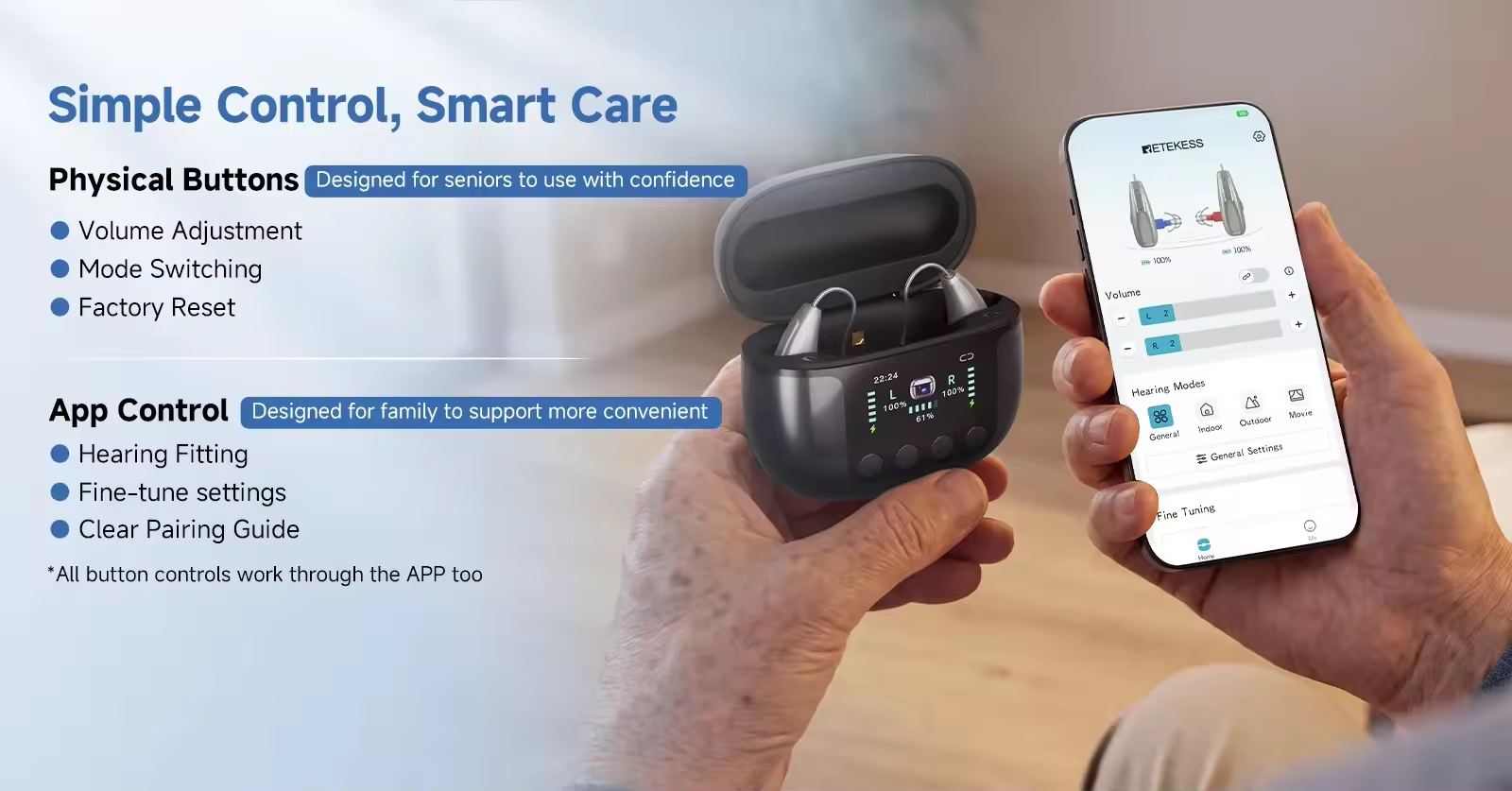
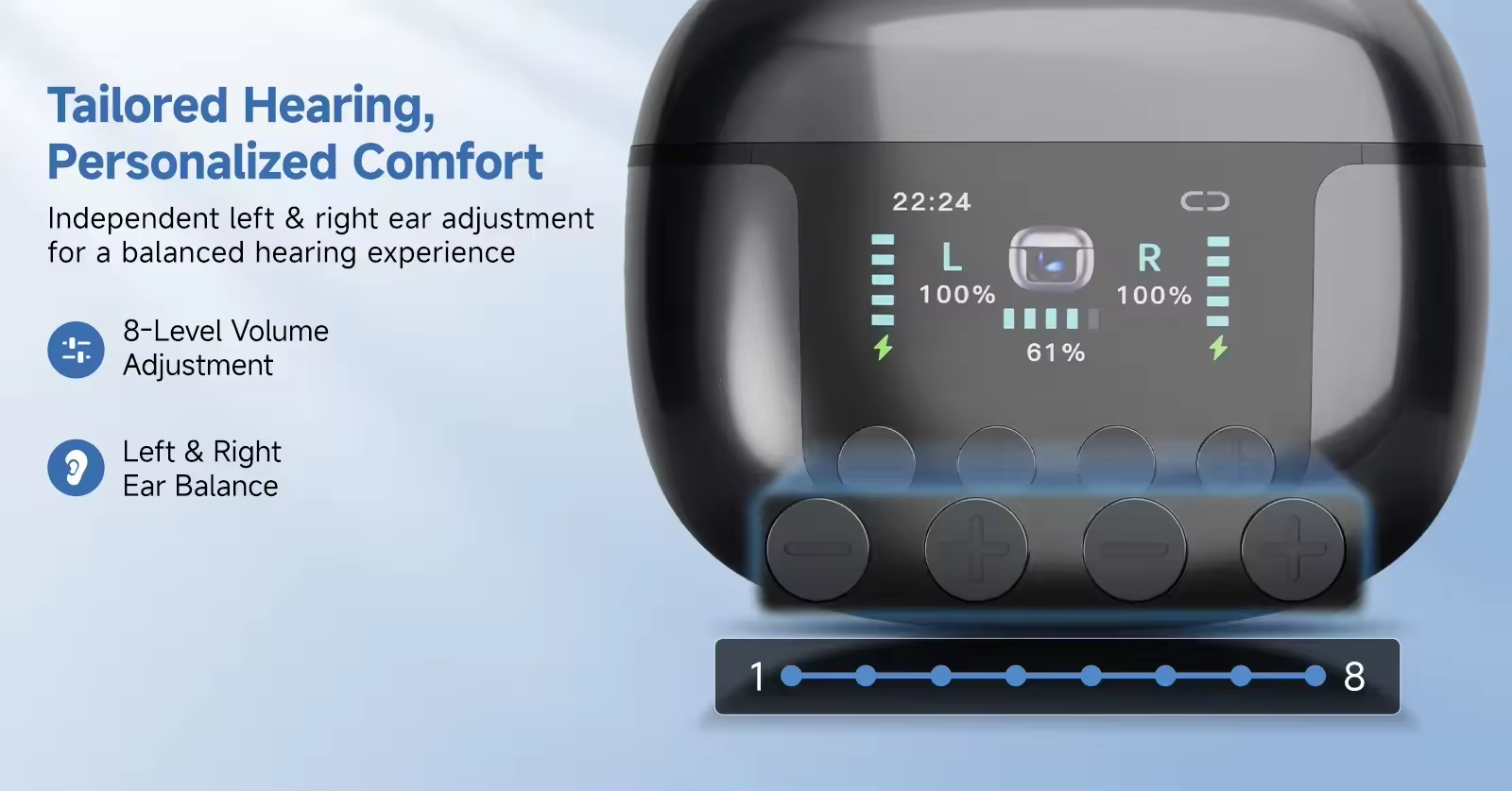
Supports 8 volume levels (20dB–41dB), with a default setting of Level 1; left and right ears can be adjusted and saved independently. Offers 4 scene modes—General, Indoor, Outdoor, and TV—which can be cycled through by long-pressing either "+" button for 3 seconds.
Indoor mode is designed for enclosed spaces with significant echo or concentrated noise sources, focusing on enhancing speech clarity. Outdoor mode is suitable for environments with wind noise, traffic noise, or other sudden, loud ambient sounds. TV mode is optimized for home viewing, using algorithms to process the original TV audio for a clearer, more synchronized viewing experience.
Bluetooth Functionality
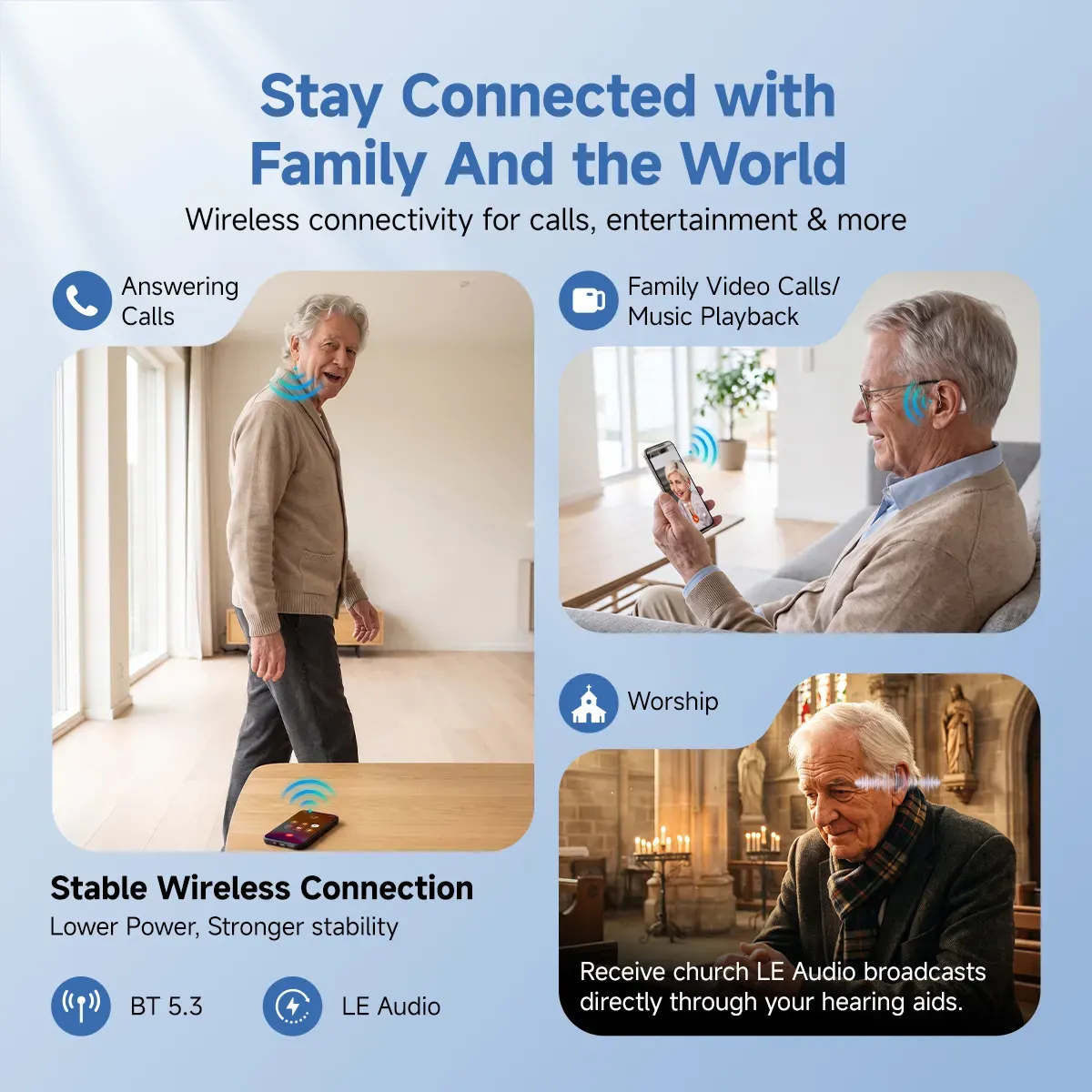
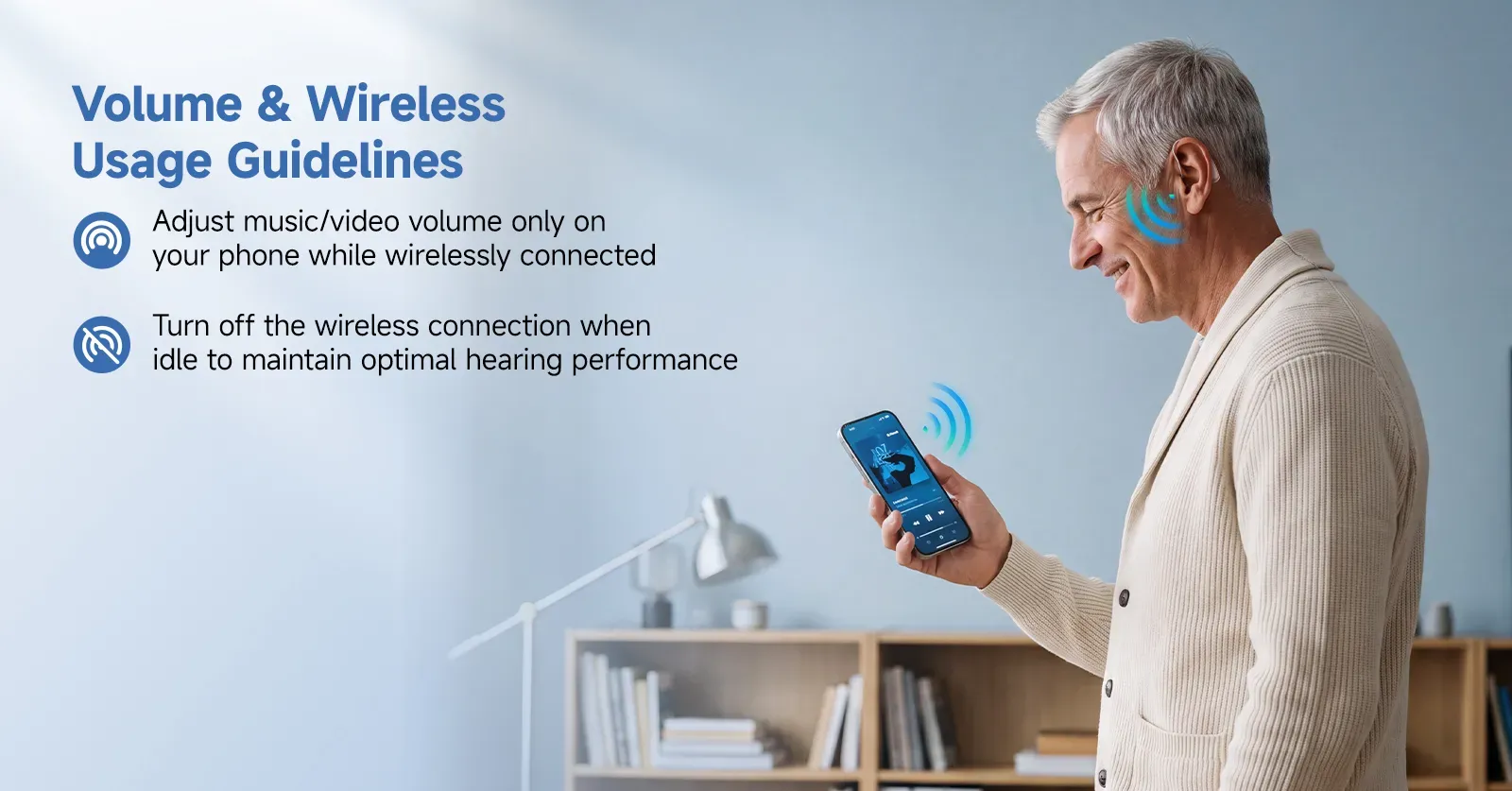
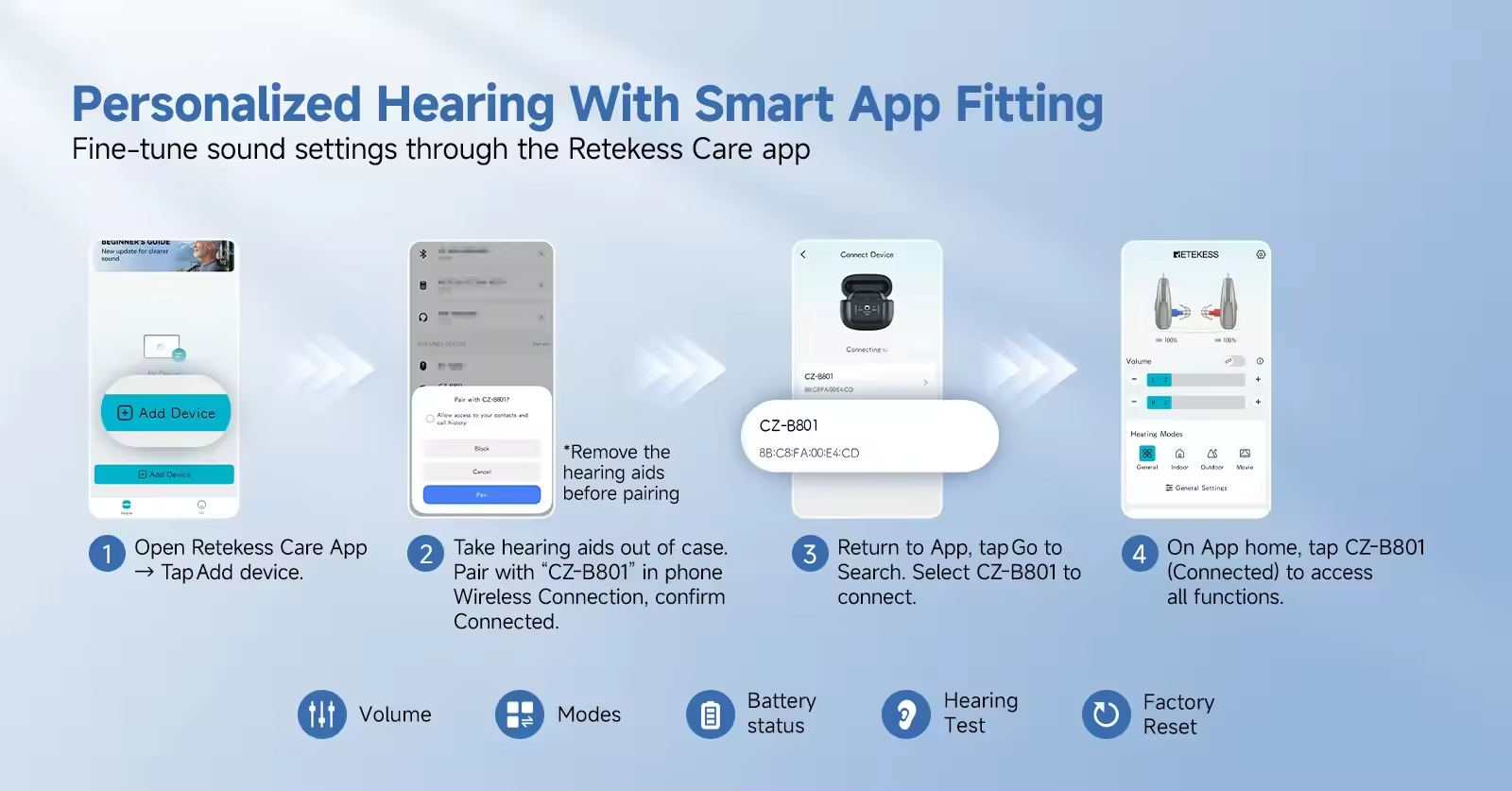
Once Bluetooth is enabled on your phone, search for and select "CZ-B801" to pair the hearing aids; a "Connect" voice prompt confirms successful pairing, and the Bluetooth icon on the screen remains steadily lit to indicate the connection status. In Bluetooth mode, the hearing aids can be controlled via the "Hearing Pro" app; disconnecting triggers a "Disconnect" voice prompt.
Wide Coverage Range
The maximum gain at the highest setting is 45 ± 3 dB, catering to the daily listening needs of users with mild to moderately severe hearing loss—eliminating concerns about a mismatch between the device's amplification and the user's hearing loss. Eight volume levels: Level 1: 20 dB; Level 2: 23 dB; Level 3: 26 dB; Level 4: 29 dB; Level 5: 32 dB; Level 6: 35 dB; Level 7: 38 dB; Level 8: 41 dB.
Supports IP22-rated splash resistance, ensuring suitability for daily use.
Answering and Making Calls
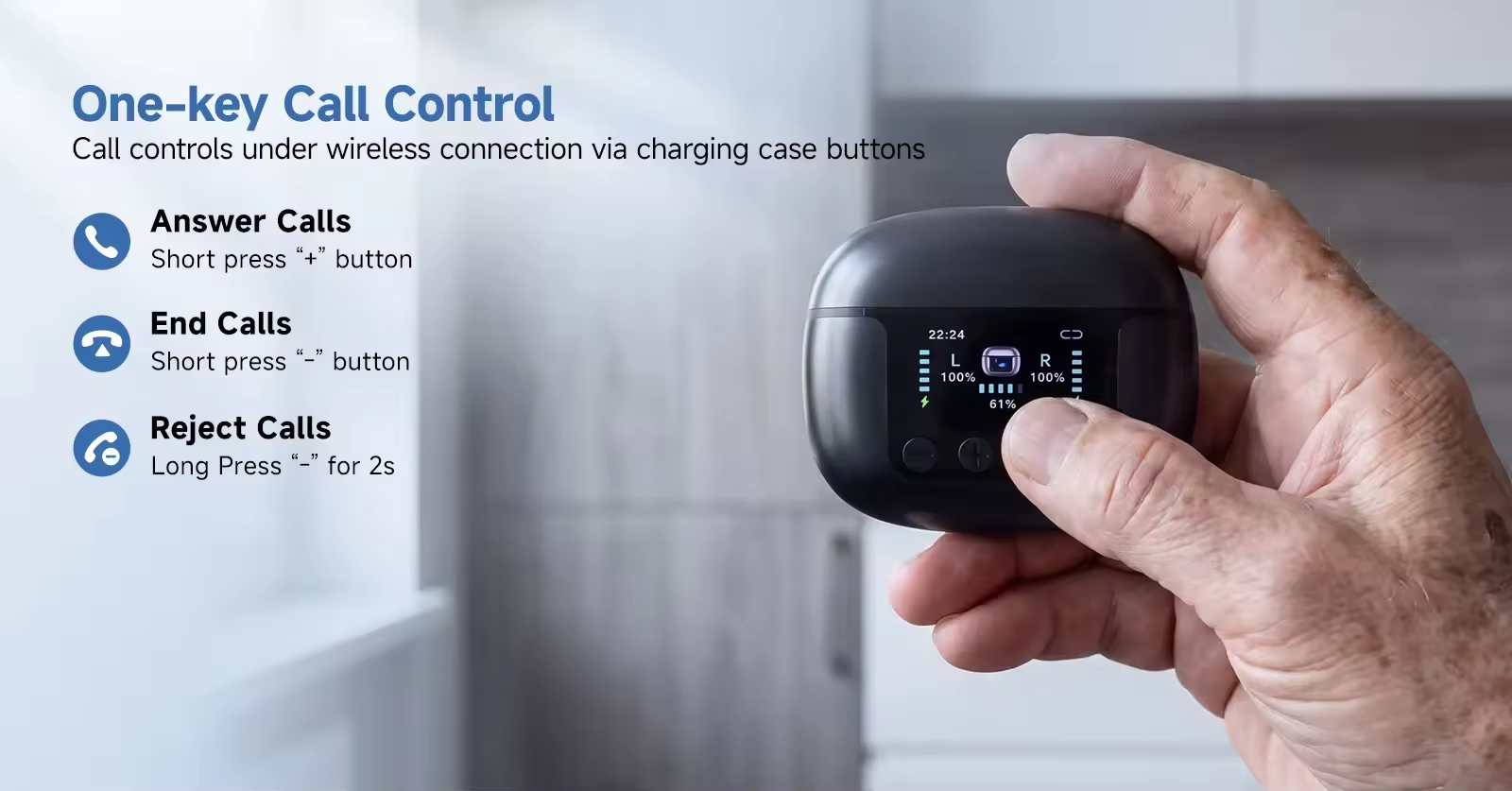
Answer a call: Briefly press the volume "+" button on either the left or right ear unit.
End a call: Briefly press the volume "-" button on either the left or right ear unit during or after the call.
Reject a call: Press and hold the volume "-" button on either the left or right ear unit for 2 seconds when a call comes in.
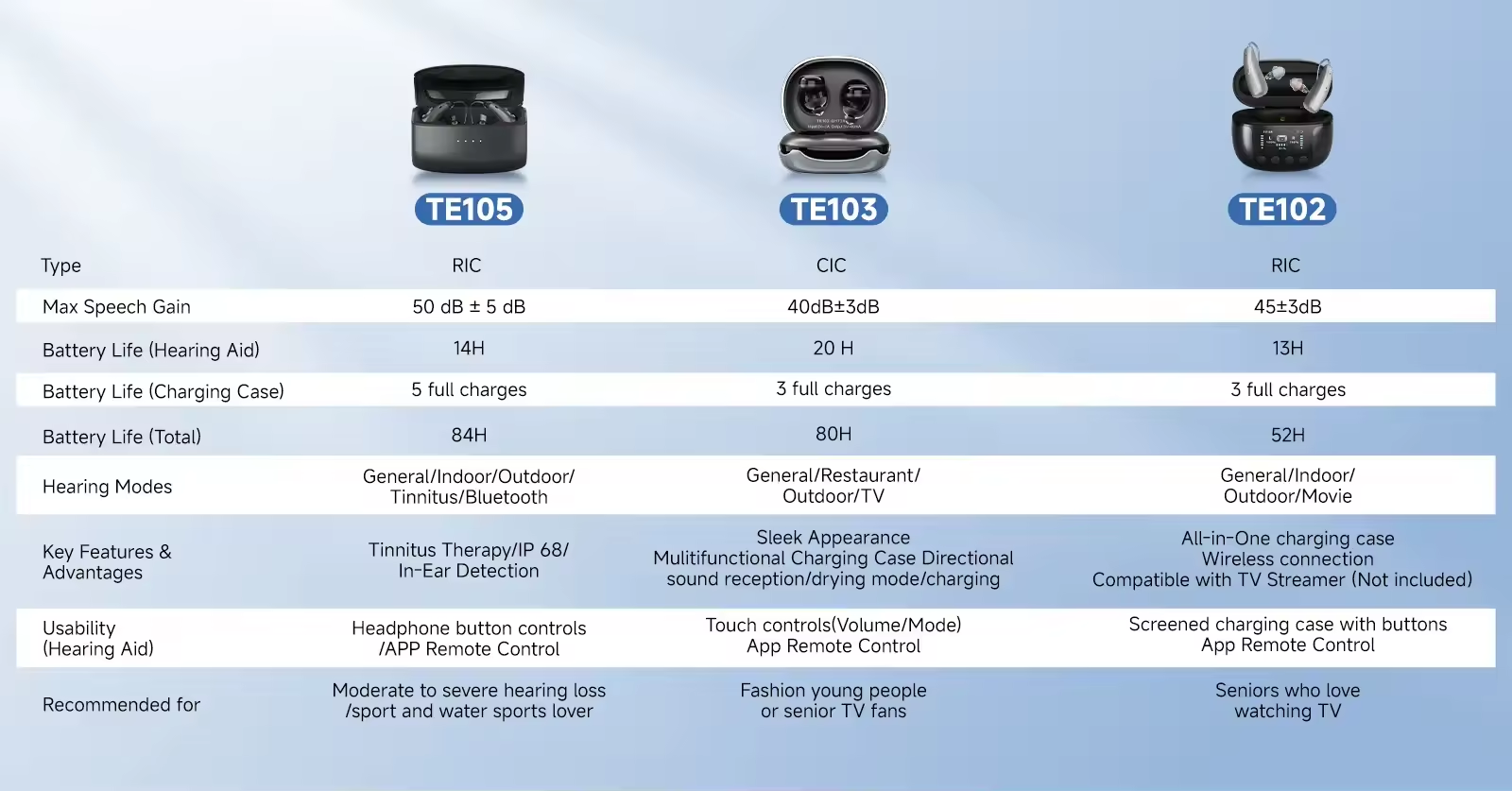
Comparison of various hearing aids – Choose the one that best suits you
TV Companion
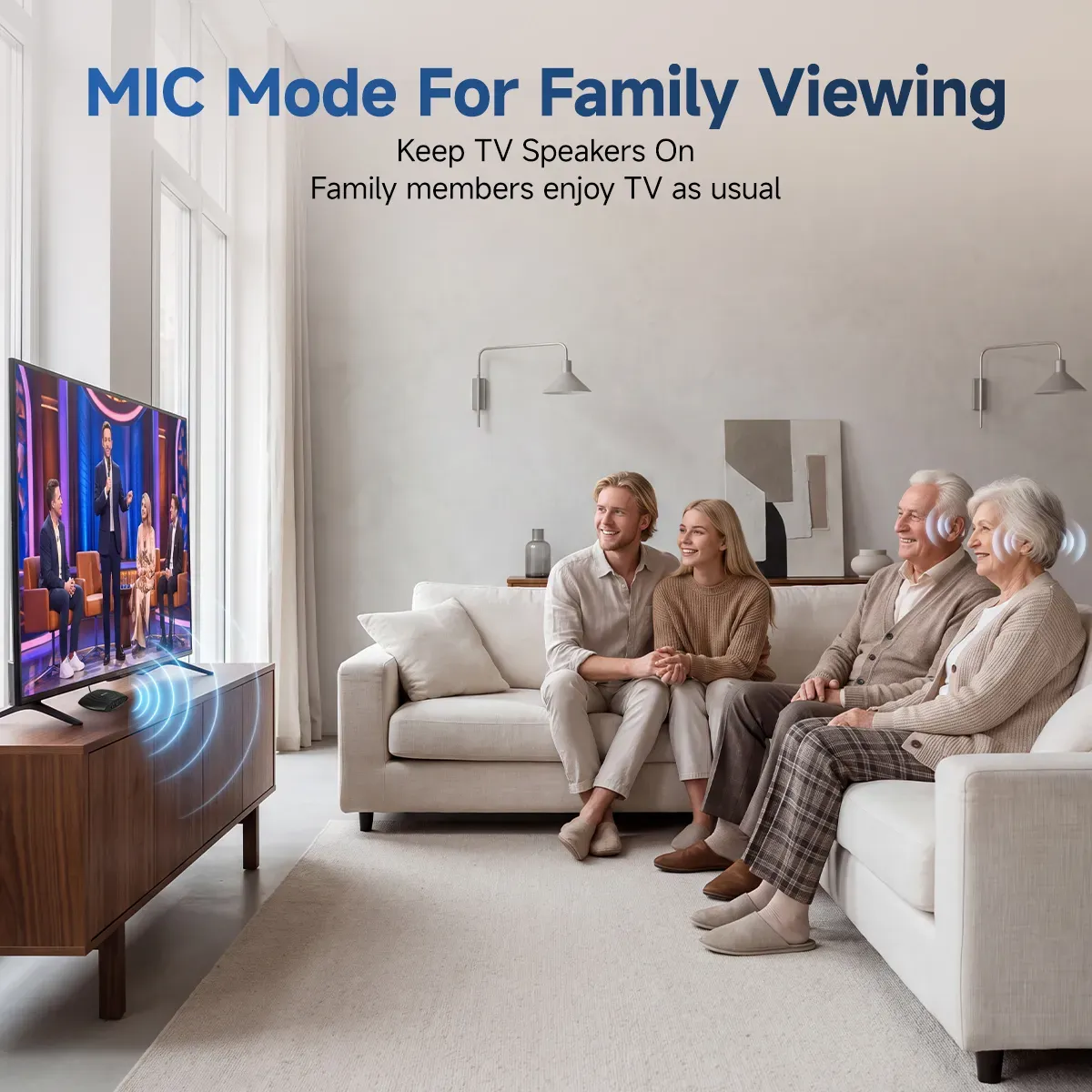
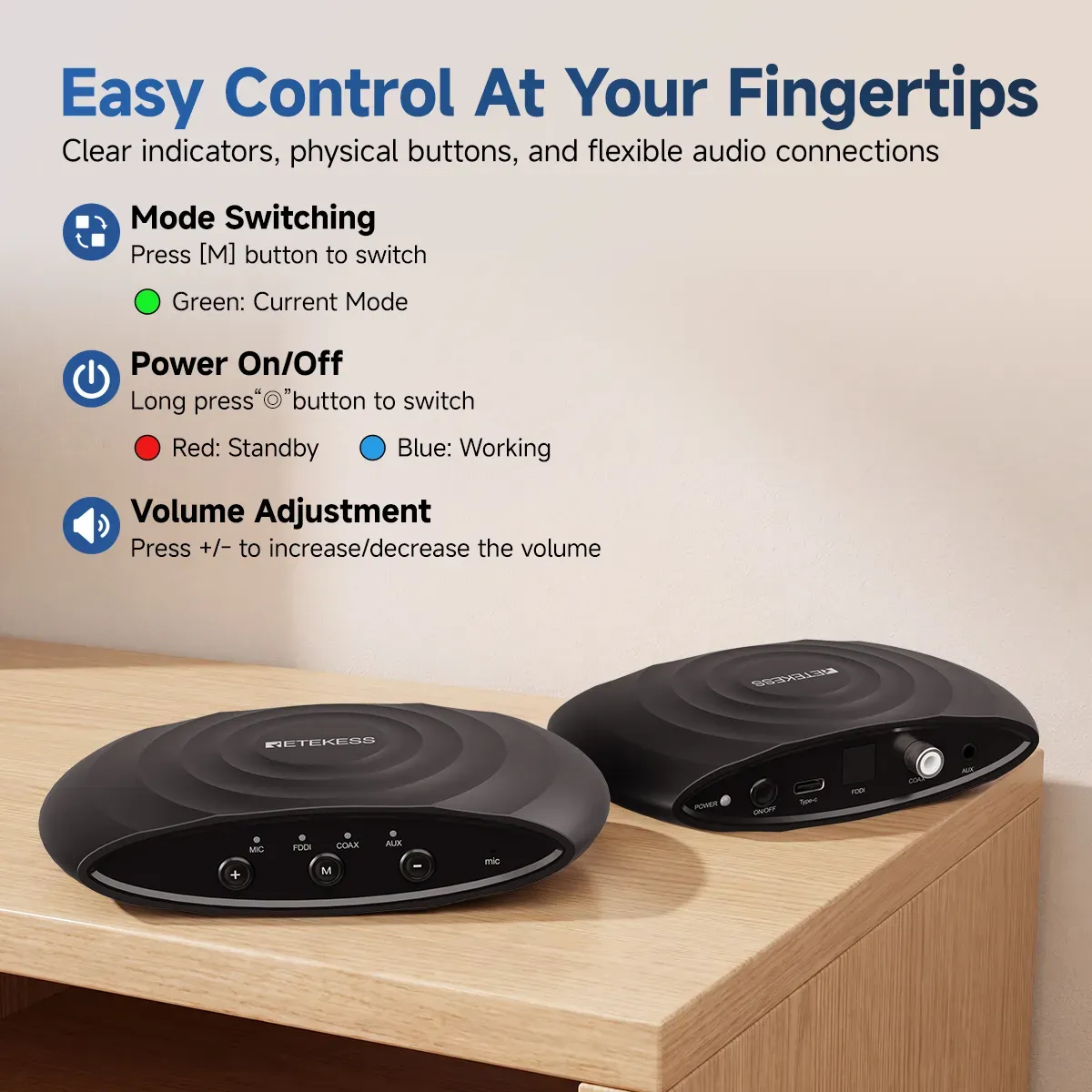
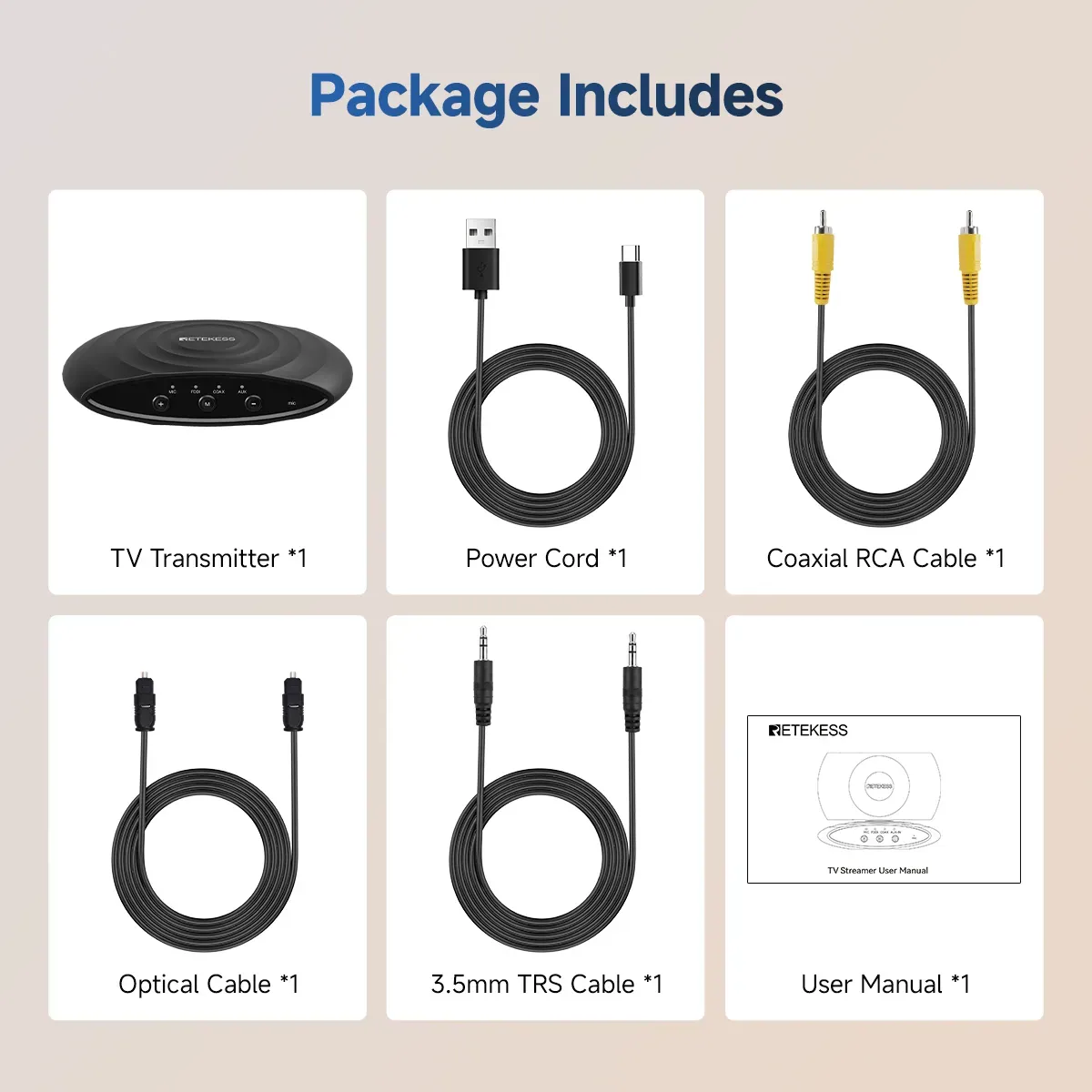
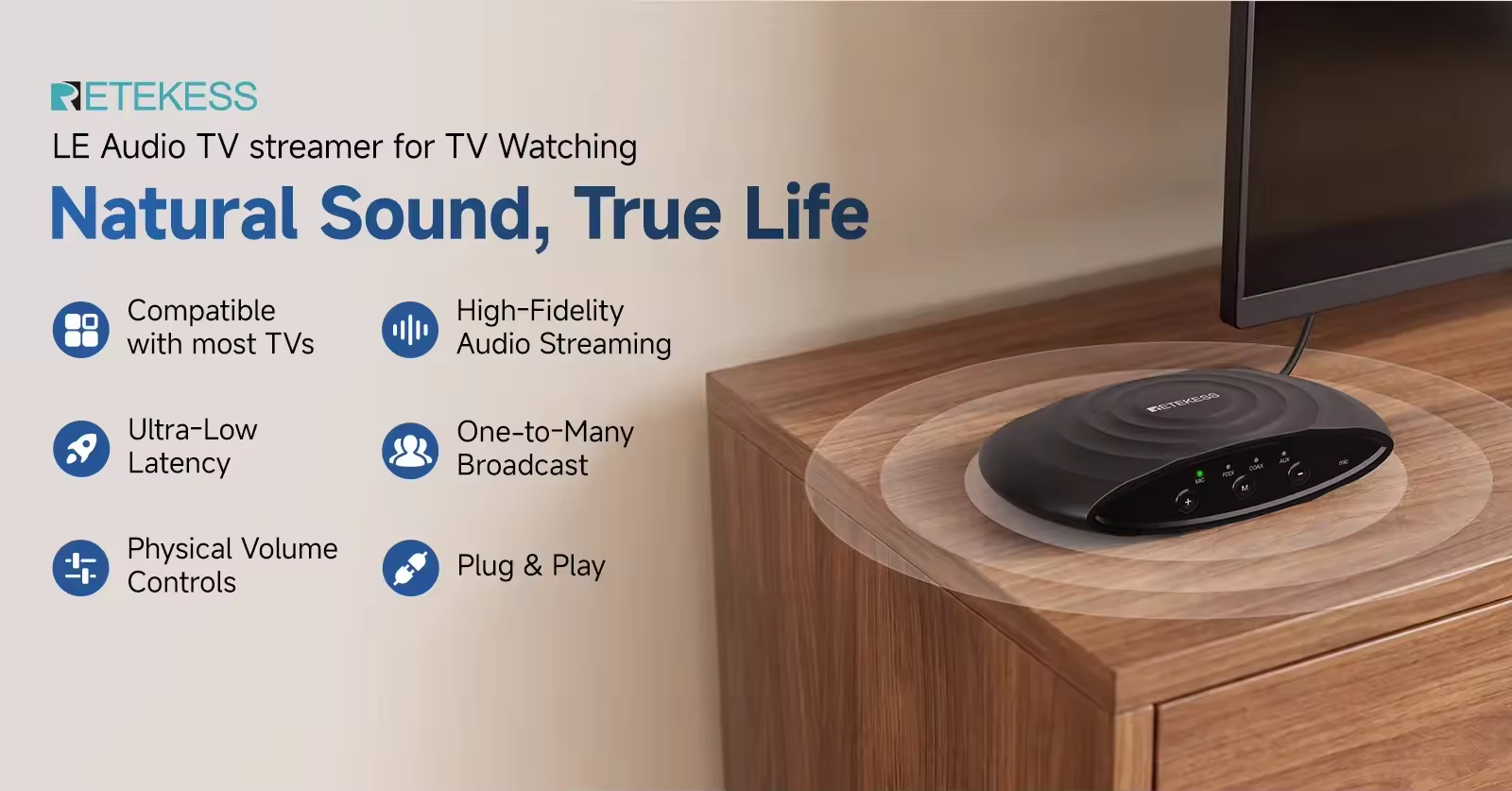
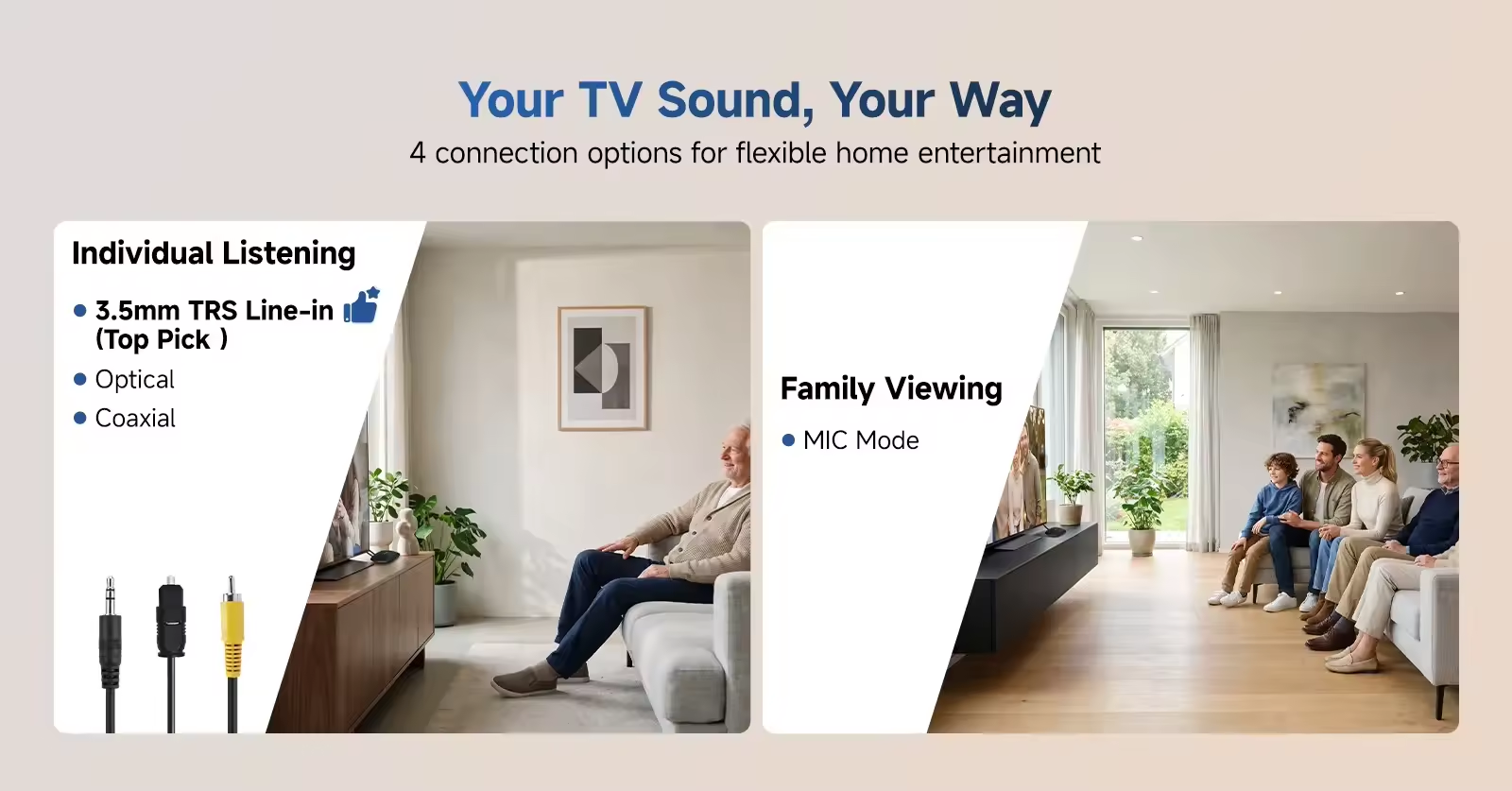
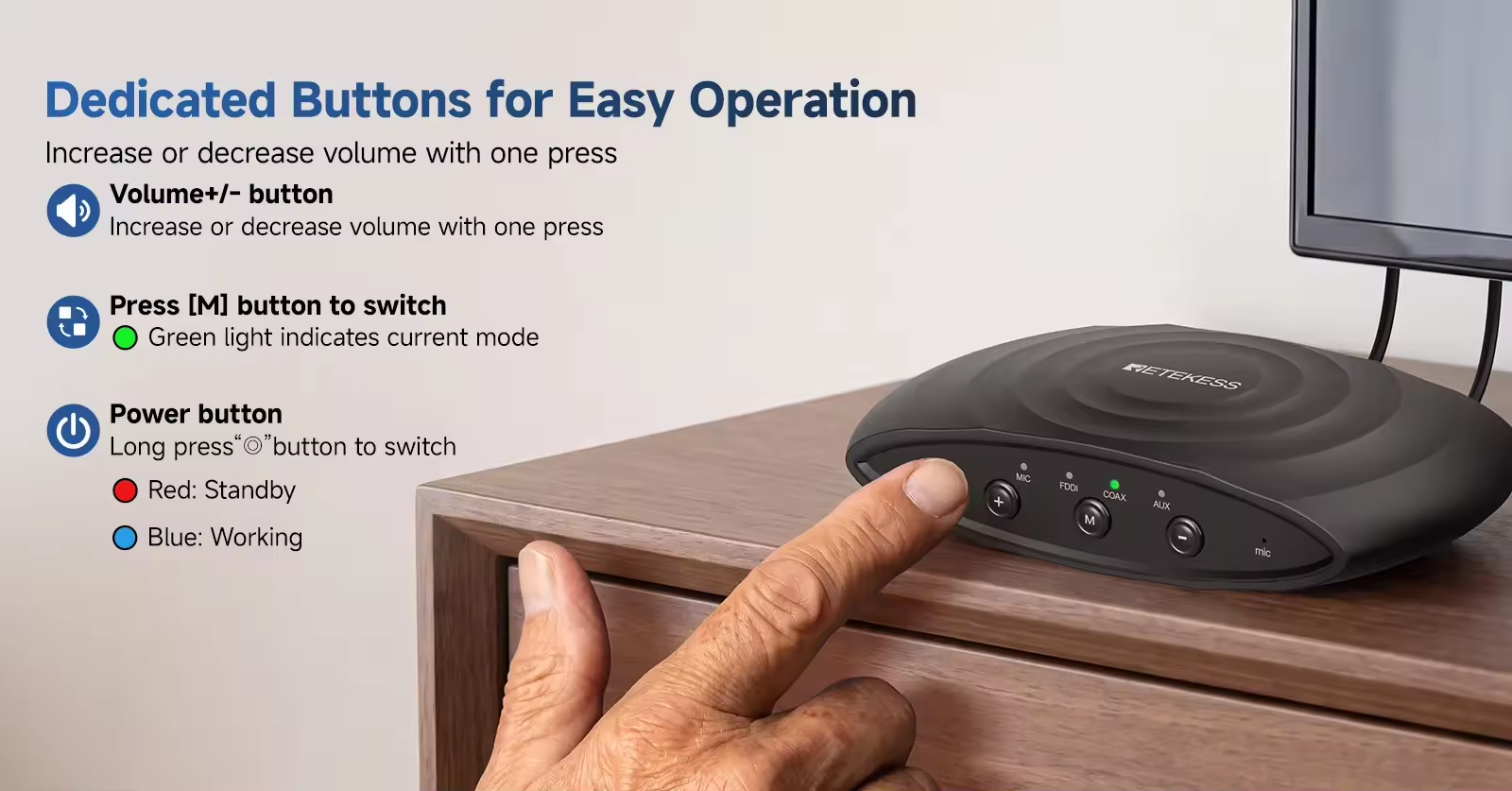
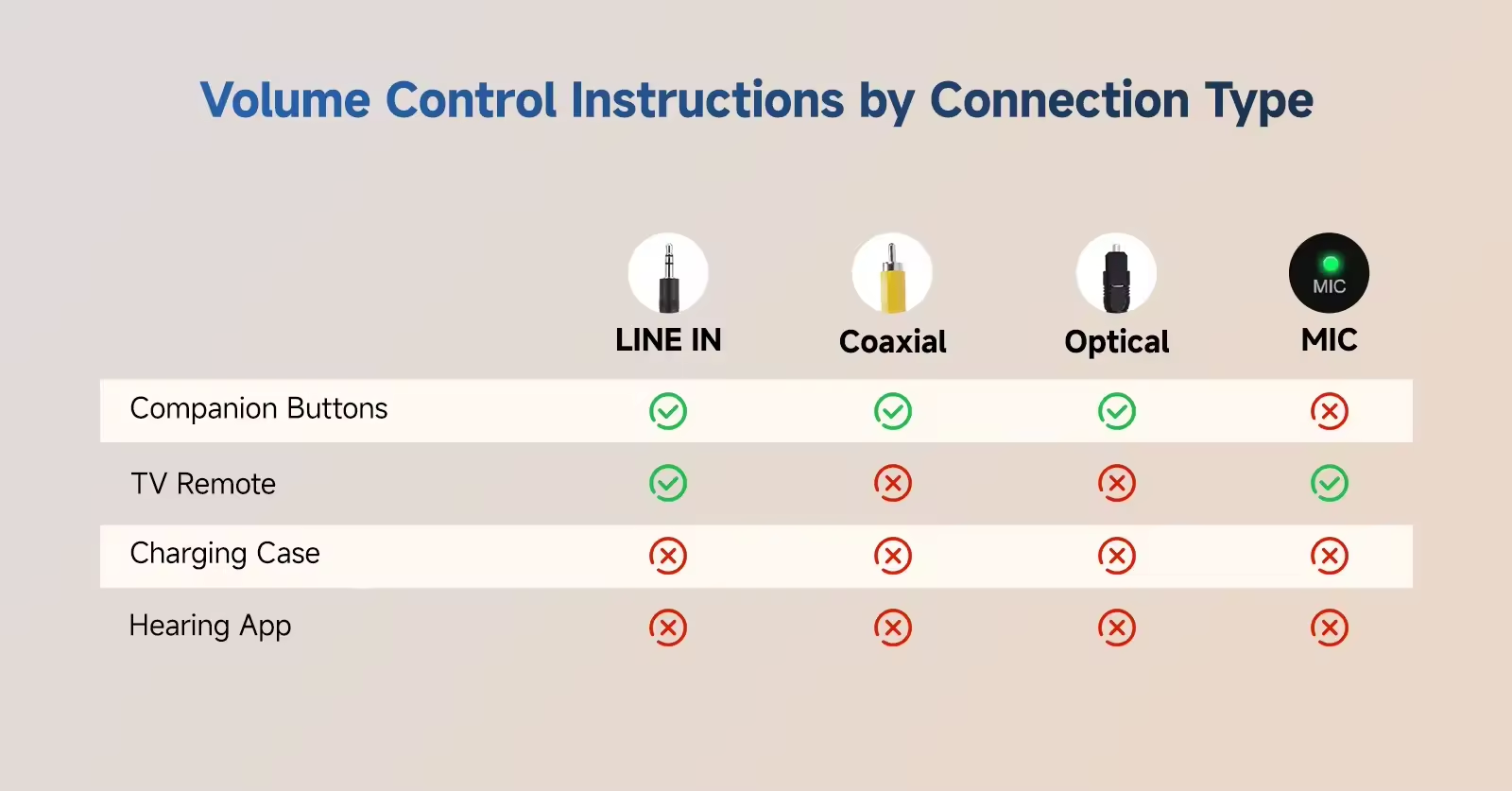
Supports four input modes: MIC, Coaxial, Optical, and LINE IN. It utilizes Bluetooth 5.3 and a MEMS omnidirectional microphone for audio pickup (range: approx. 1 meter). The connection range between the TV companion and the hearing aids extends up to 15 meters in open environments. Users can freely switch between the four modes using the "M" button on the device. As with most microphones, the volume for the "MIC" pickup mode cannot be adjusted; however, the volume for the other three modes can be controlled using the volume up/down buttons.
Operation Instructions
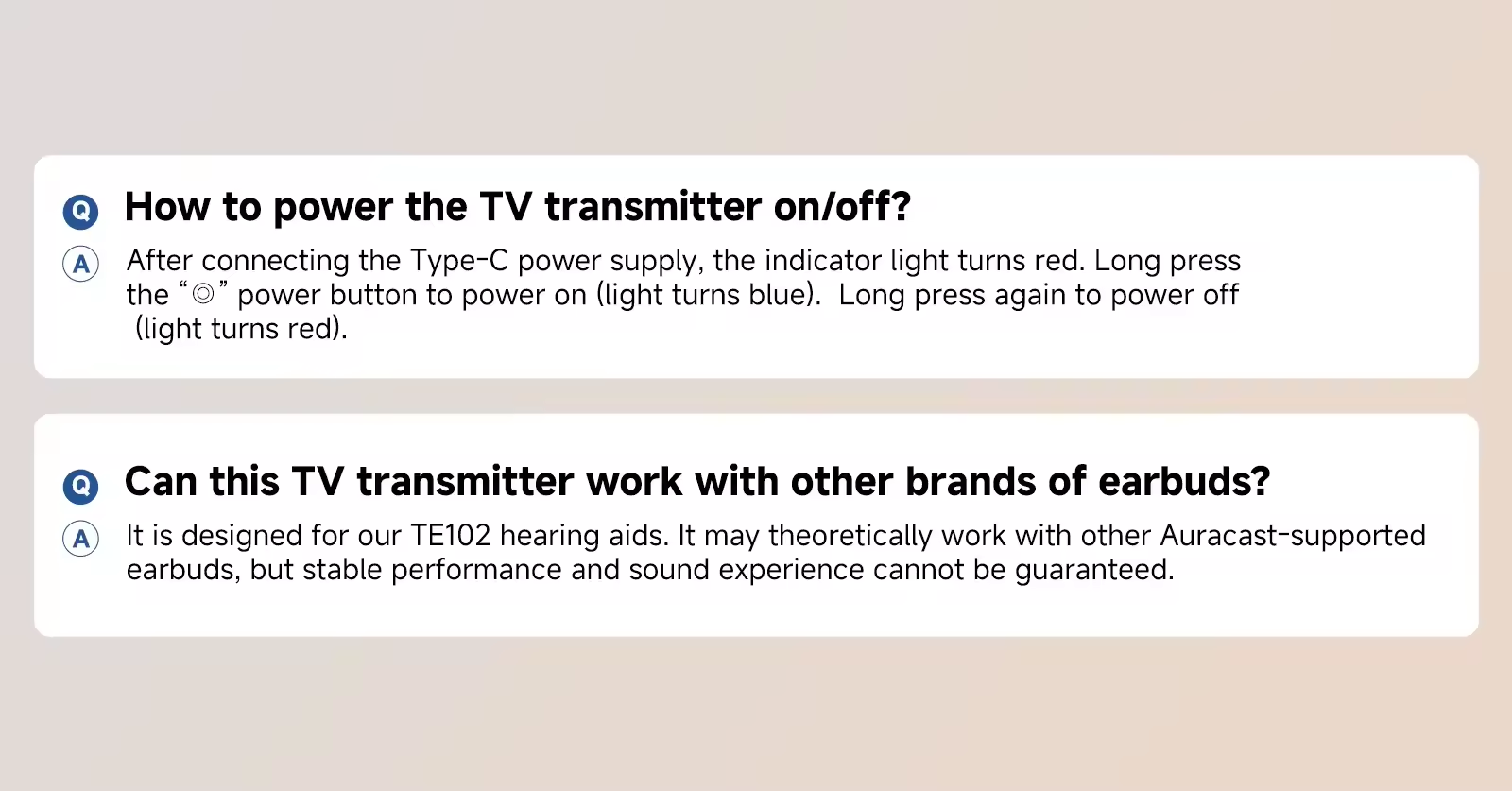
First, connect the TV Companion to a power source via the Type-C port and press and hold the power button to turn it on. Turn on the TE102 hearing aids and switch them to "Movie Mode" by pressing and holding either "+" button on the bottom of the charging case for 3 seconds; release the button after hearing the "Movie Scene" prompt. The hearing aids will automatically search for the broadcast signal for 5 minutes and emit a "beep-beep-beep" tone once the signal is received.
If the TV Companion is not detected within 5 minutes, place the hearing aids back into the charging case and then remove them again to restart the search process.
If the TV Companion is turned off, loses power, or goes out of range, the TE102 hearing aids will automatically disconnect, emit a "beep-beep" tone, and revert to their standard daily hearing aid function.
Important Notes
If you wish to have audio output from the TV speakers while connected to the TV Companion, locate and enable the "Simultaneous Audio Output" function in your TV's [Sound/Audio Settings] menu (Note: specific menu paths and names vary by TV brand and model; please refer to your TV's user manual for details).
Once connected, if the TV is turned off or enters sleep mode, the TV Companion will continue to broadcast a silent signal, meaning no sound will be heard through the hearing aids. To resume normal hearing aid function, please turn off the TV Companion or disconnect it from the power source.